Choosing your photo workflow
Different tools start from different pictures.
Compare the actual workflow—not a manufactured winner score. These guides look at what you begin with, what you can direct, and what you leave with.
First-party sources reviewed
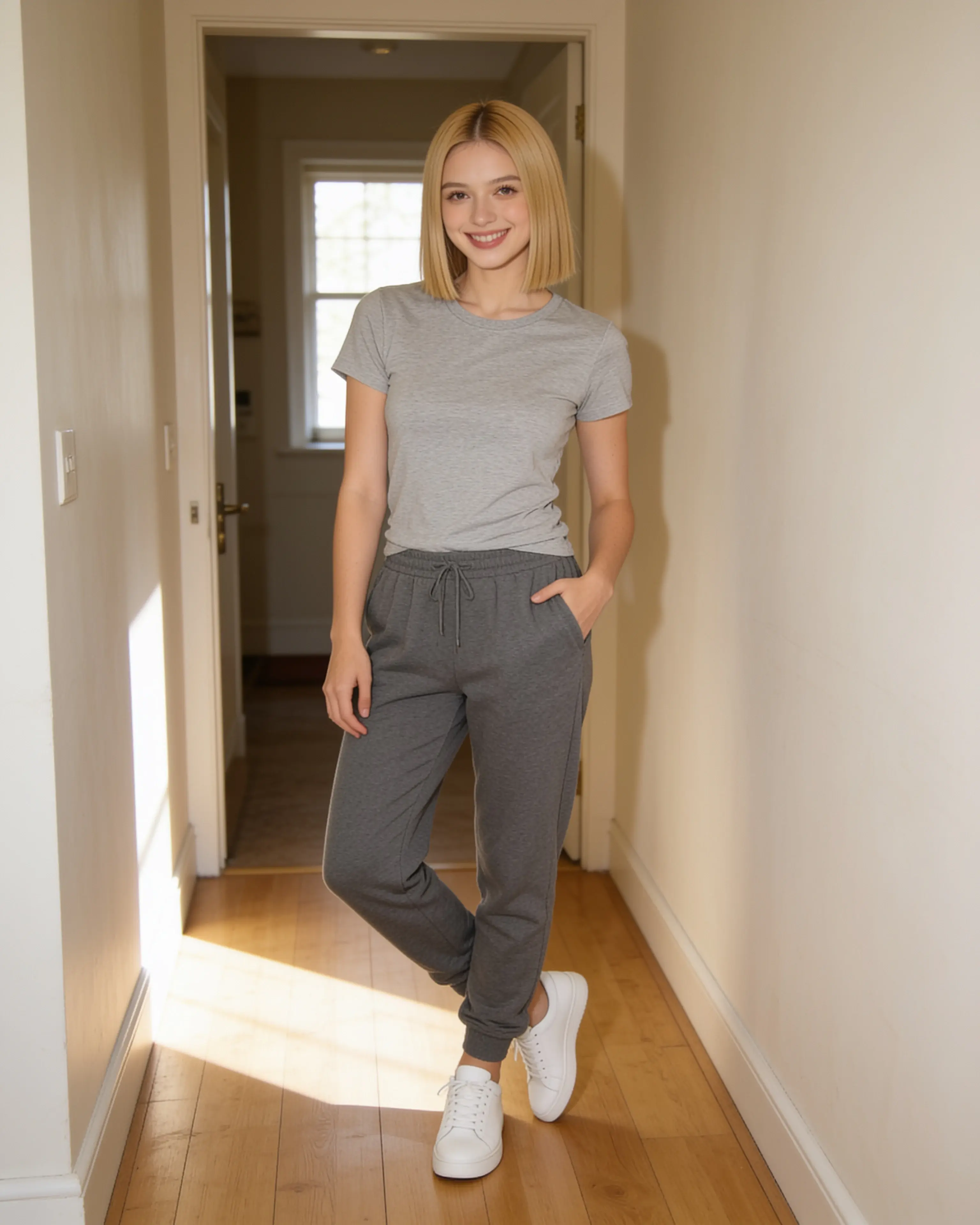
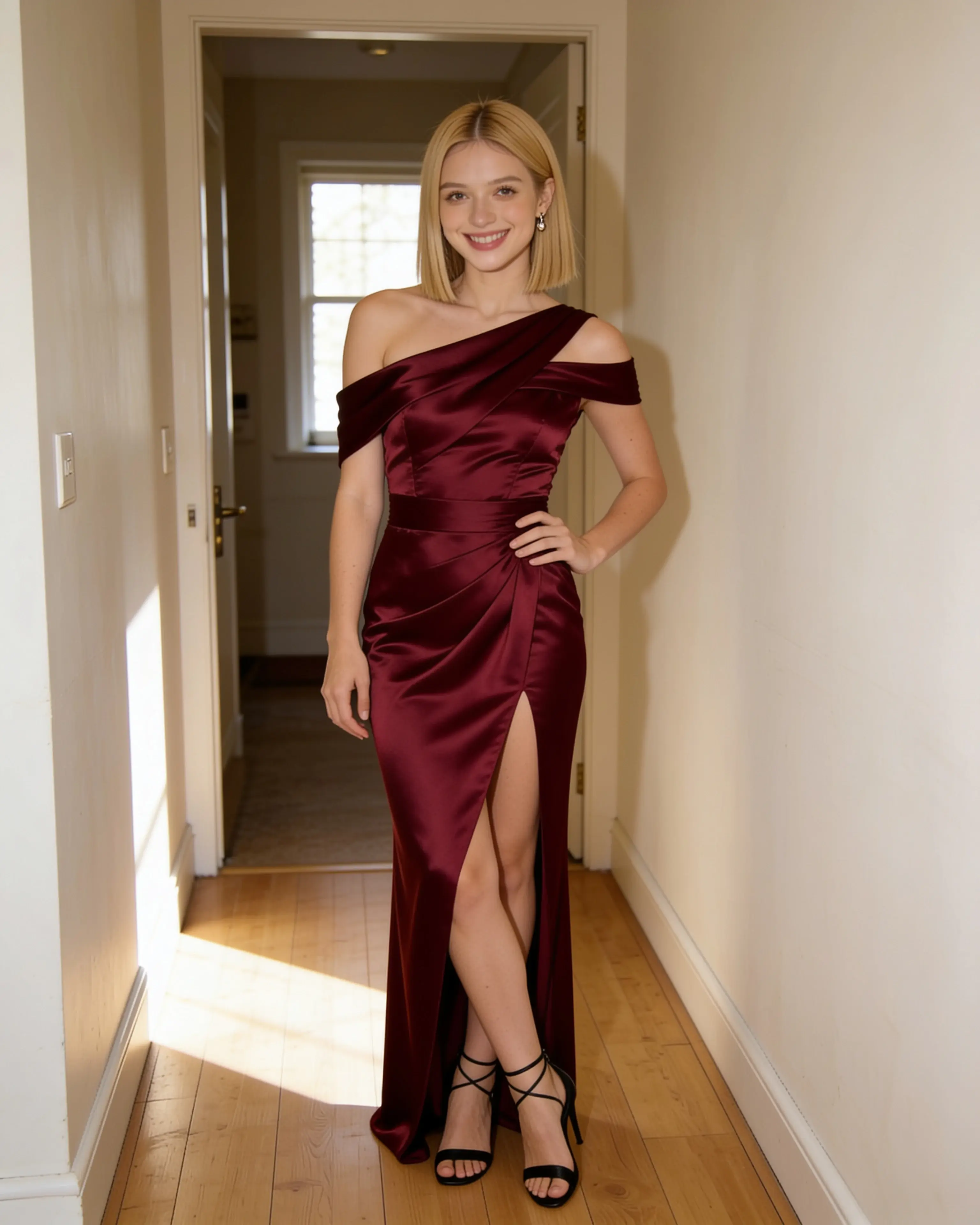
9 maintained comparisons
Choose by the work in front of you.
Each comparison names where Moonlight is the stronger fit and where the other product makes more sense.
Photo and design workflows
- 01Source photo or trained modelMoonlight vs Photo AIChoose Moonlight when one existing photograph is the work. Choose Photo AI when the goal is a larger stream of newly generated photos around one trained person.
- 02Photo studio or design canvasMoonlight vs CanvaChoose Moonlight when the photograph itself is the finished work. Choose Canva when the edited image is one ingredient inside a social post, presentation, print piece, or team design.
Conversational assistants
- 03Photo studio or general assistantMoonlight vs ChatGPTChoose Moonlight when the scene recipe and private photo library are the product. Choose ChatGPT when image work belongs inside a broader conversational assistant.
- 04Scene recipe or multimodal chatMoonlight vs Google GeminiChoose Moonlight for a focused private library and repeatable scene recipes. Choose Gemini when image editing should live inside a wider Google AI conversation.
Generative studios and systems
- 05Focused studio or creative suiteMoonlight vs Adobe FireflyChoose Moonlight for a direct, private source-photo workflow with reusable scene references. Choose Adobe Firefly for broader model choice, generative exploration, and integration with Adobe’s creative applications.
- 06Finished photo or visual explorationMoonlight vs MidjourneyChoose Moonlight for a direct private edit of one photograph. Choose Midjourney for high-volume visual exploration, parameter-level direction, and a community-centered generation workflow.
- 07Photo-led studio or motion systemMoonlight vs RunwayChoose Moonlight for a simple source-photo-to-short-motion workflow. Choose Runway when video production, model choice, and a broader media workspace are central.
- 08Directed photo or creative control roomMoonlight vs Leonardo AIChoose Moonlight for a focused private photo recipe. Choose Leonardo AI for a wider image-generation workspace with more granular controls and exploration paths.
- 09Finished product or open model familyMoonlight vs Stable DiffusionChoose Moonlight for a managed photo workflow. Choose Stable Diffusion when model access, deployment control, customization, or building your own image stack is the goal.
How these guides work
Useful enough to make a decision. Honest enough to maintain.
Product capabilities and prices come from each company’s own published material. Moonlight’s facts come directly from the product and its public policies.
We compare meaningful workflow differences, avoid speculative quality scores, date every review, and link the source material so you can verify anything likely to change.
Try the workflow
Bring the photo you already want to keep.
Create an account, make 5 images free, and see whether a source-led scene recipe fits the way you work.
Start creating