You already have a photograph worth keeping and want to change its setting, wardrobe, pose direction, or atmosphere with reusable visual references.
Try MoonlightSource photo or trained model
Edit the photo you have—or train a model to make many more?
Moonlight and Photo AI can both produce new portraits, but they begin with different creative material. Moonlight anchors an edit to one real photo. Photo AI centers a trained personal model built from a set of selfies.
Reviewed
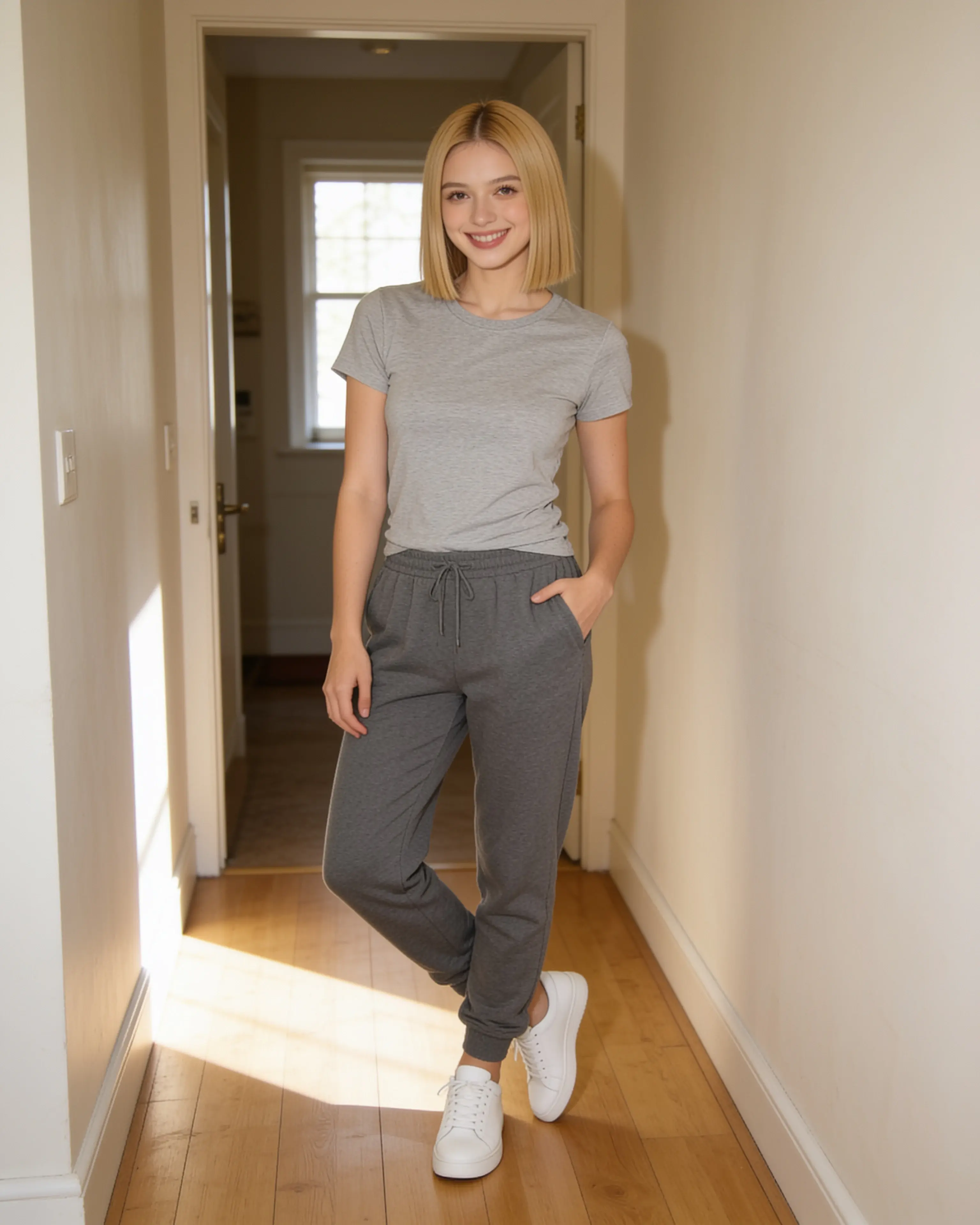
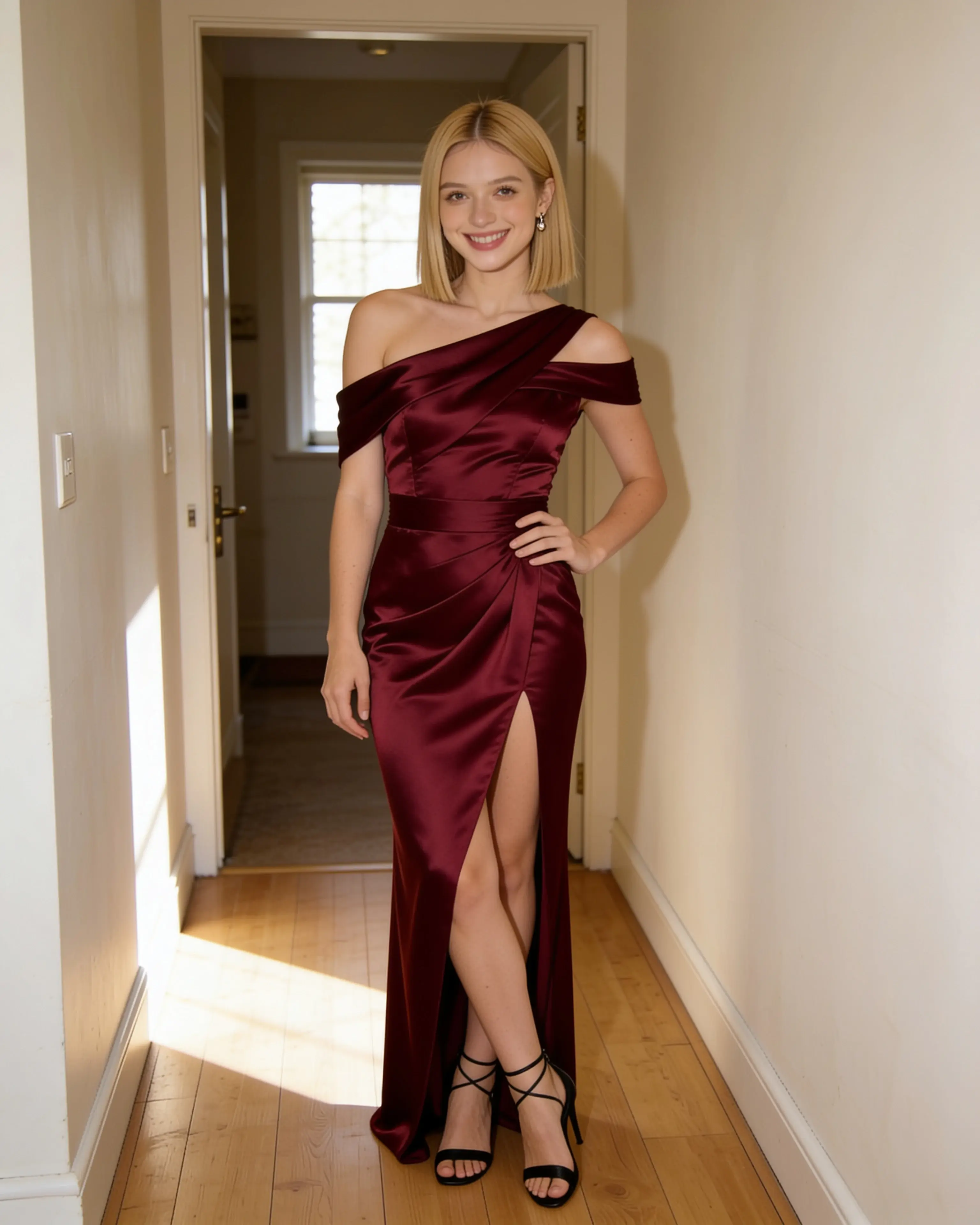
Short answer
Choose Moonlight when one existing photograph is the work. Choose Photo AI when the goal is a larger stream of newly generated photos around one trained person.
You want to train a personal AI model, run themed photo packs, or generate many new portraits of the same person in batches.
Visit an official sourceStarting material
The workflows diverge before the first result.
Moonlight
- 01
Upload the photograph that should remain recognizable.
- 02
Add up to ten role-based references and describe the change.
- 03
Review one private 4K result, then download or animate it.
Photo AI
- 01
Upload a varied set of photos and train a personal AI model.
- 02
Choose a photo pack, write prompts, or remix source material.
- 03
Generate individual or batch outputs; editing and video access vary by plan.
Side by side
Compare the parts that change the work.
Swipe to compare Photo AI
| Decision point | Moonlight | Photo AI |
|---|---|---|
| Starting point | One source photo, or a new image started from references. | A trained personal AI model created from a set of photos. |
| Identity approach | The current source photo anchors the recognizable person and composition. | A reusable trained model carries the person across new generations. |
| Reusable material | Saved people, places, outfits, and poses can be combined in later recipes. | Trained models and themed photo packs support repeated generation. |
| Editing workflow | Describe the full change and add visual references when words are not precise enough. | Prompt, remix, and batch image-to-image tools are available; plan access differs. |
| Finished images | 4K images are delivered by default. | The pricing page separates low, medium, high, and ultra quality by plan. |
| Animation | Any owned upload or finished image can become a silent five-, ten-, or thirty-second 720p clip. | The current pricing page lists AI video creation on Max and higher plans. |
| Content and data | Uploads, prompts, saved references, and results are private to the account by default. | Photo AI’s legal page says it collects and retains uploaded photos and files to deliver and improve its services; its terms govern licenses and sharing. |
| Entry point | 5 free image creations, then monthly plans from $15 | $19/month for Starter, or a $9/month equivalent when billed annually at review time. |
Our reading
There is no universal winner here.
Moonlight is the more direct fit when the source photograph is the anchor. It keeps the creative brief close to the visible inputs: one source image, optional person, place, outfit, or pose references, and a plain-language instruction.
Photo AI is the more natural fit when model training is the investment you want to make. Its official workflow asks for a set of photos, trains a personal model, and then uses prompts, packs, and batch tools to make new material around that model.
Evidence ledger
Verify the details.
Competitor features and pricing can change. These first-party pages were checked on July 28, 2026.
- Photo AI product overview
- Photo AI personal model workflow
- Photo AI batch image-to-image guide
- Photo AI pricing
- Photo AI terms and privacy policy
Product names and trademarks belong to their respective owners. Moonlight is not affiliated with or endorsed by the compared company.
Try the workflow
Bring the photo you already want to keep.
Create an account, make 5 images free, and see whether a source-led scene recipe fits the way you work.
Start creating