You want to preserve a real person or composition while rebuilding the scene with role-based references, then leave with a private 4K image or short animation.
Try MoonlightPhoto studio or design canvas
Finish the photograph—or keep building the design around it?
Moonlight is a focused image-and-motion studio. Canva places AI photo editing inside a much broader design canvas for layouts, text, templates, collaboration, publishing, and print.
Reviewed
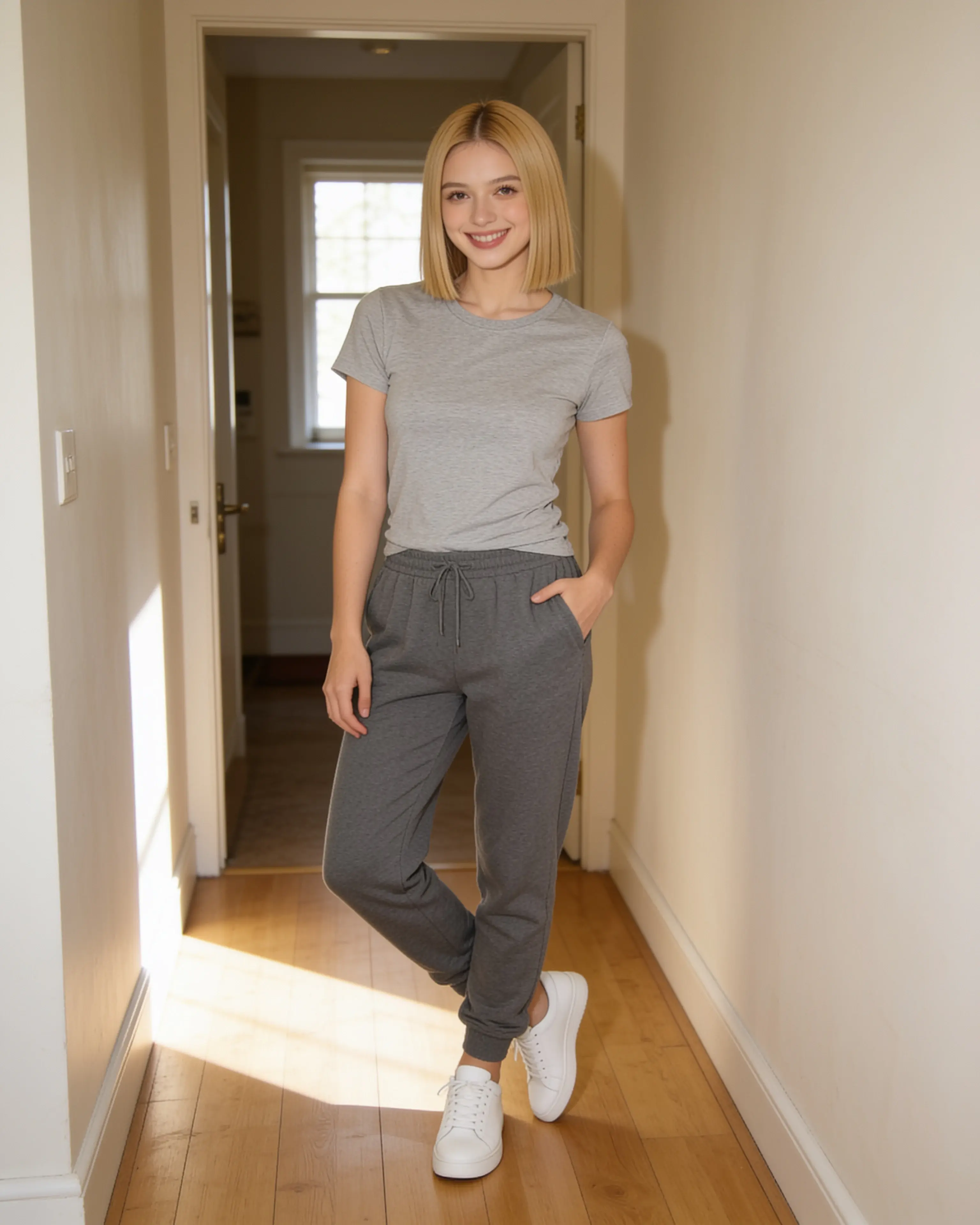
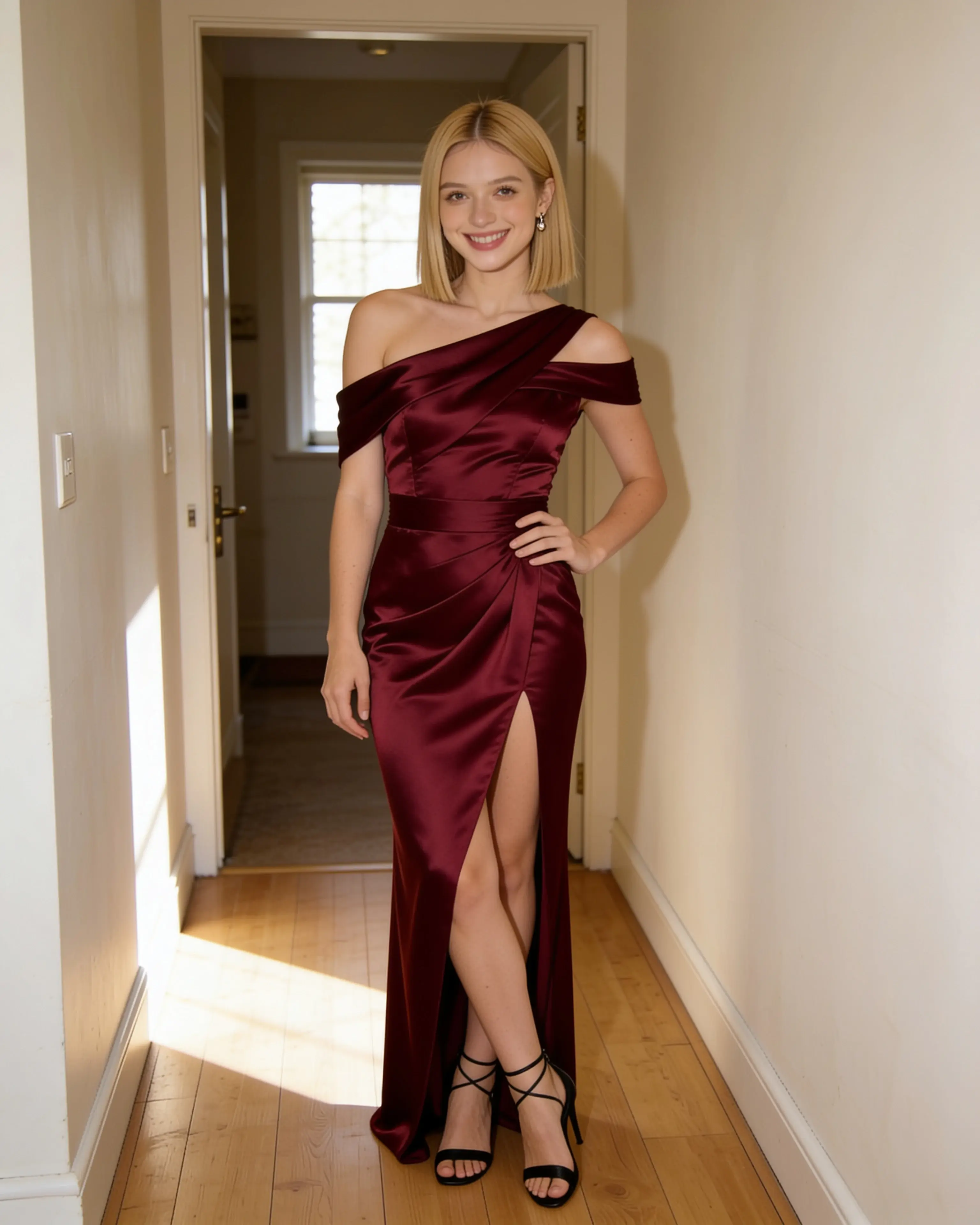
Short answer
Choose Moonlight when the photograph itself is the finished work. Choose Canva when the edited image is one ingredient inside a social post, presentation, print piece, or team design.
You want object-level photo tools and an all-in-one canvas for adding type, templates, brand assets, collaboration, social publishing, or print output.
Visit an official sourceStarting material
The workflows diverge before the first result.
Moonlight
- 01
Choose the source photo that should remain the visual anchor.
- 02
Combine person, place, outfit, or pose references in one scene recipe.
- 03
Download a private 4K image or animate it without opening a design canvas.
Canva
- 01
Upload a photo into the Photo Editor or an existing design.
- 02
Select, remove, replace, reposition, expand, or generate elements.
- 03
Add layout content, collaborate, resize, publish, share, print, or download.
Side by side
Compare the parts that change the work.
Swipe to compare Canva
| Decision point | Moonlight | Canva |
|---|---|---|
| Primary workspace | A focused source-and-reference scene recipe. | A multipurpose design canvas with photo editing inside it. |
| Editing style | Describe the intended scene change across the whole photograph. | Select or brush areas, then remove, replace, reposition, expand, or restyle them. |
| Visual references | Up to ten reusable inputs can be assigned roles such as person, place, outfit, and pose. | Uploads, library media, templates, brand assets, and generated elements live in the design. |
| Broader design work | Keeps the workflow centered on finished still images and short motion clips. | Adds text, layouts, templates, social formats, presentations, publishing, and print. |
| Collaboration | A private personal studio and reusable account library; no team canvas. | Sharing, comments, and real-time team editing are part of the wider Canva workflow. |
| Delivery | 4K image output by default, plus silent 720p animation. | Multiple image and design formats, direct social sharing, links, and print options. |
| Content and data | Uploads, prompts, saved references, and results are private to the account by default. | Canva’s AI Product Terms govern inputs and outputs; Canva says users retain input rights and generally own output, subject to licensed content. |
| Entry point | 5 free image creations, then monthly plans from $15 | A free product is available; access to some AI editing tools and usage limits depends on the Canva plan. |
Our reading
There is no universal winner here.
Moonlight removes the design-canvas layer. The central object is a scene recipe: source image, references, instruction, and finished image. That narrower scope is useful when the photograph—not a post layout—is the deliverable.
Canva earns its complexity when the photo must continue into a broader communication piece. Its official editor combines prompt-based changes with object removal, background tools, resizing, text, templates, sharing, and multiple export paths.
Evidence ledger
Verify the details.
Competitor features and pricing can change. These first-party pages were checked on July 28, 2026.
Product names and trademarks belong to their respective owners. Moonlight is not affiliated with or endorsed by the compared company.
Try the workflow
Bring the photo you already want to keep.
Create an account, make 5 images free, and see whether a source-led scene recipe fits the way you work.
Start creating