Create an account and get 5 free image creations →
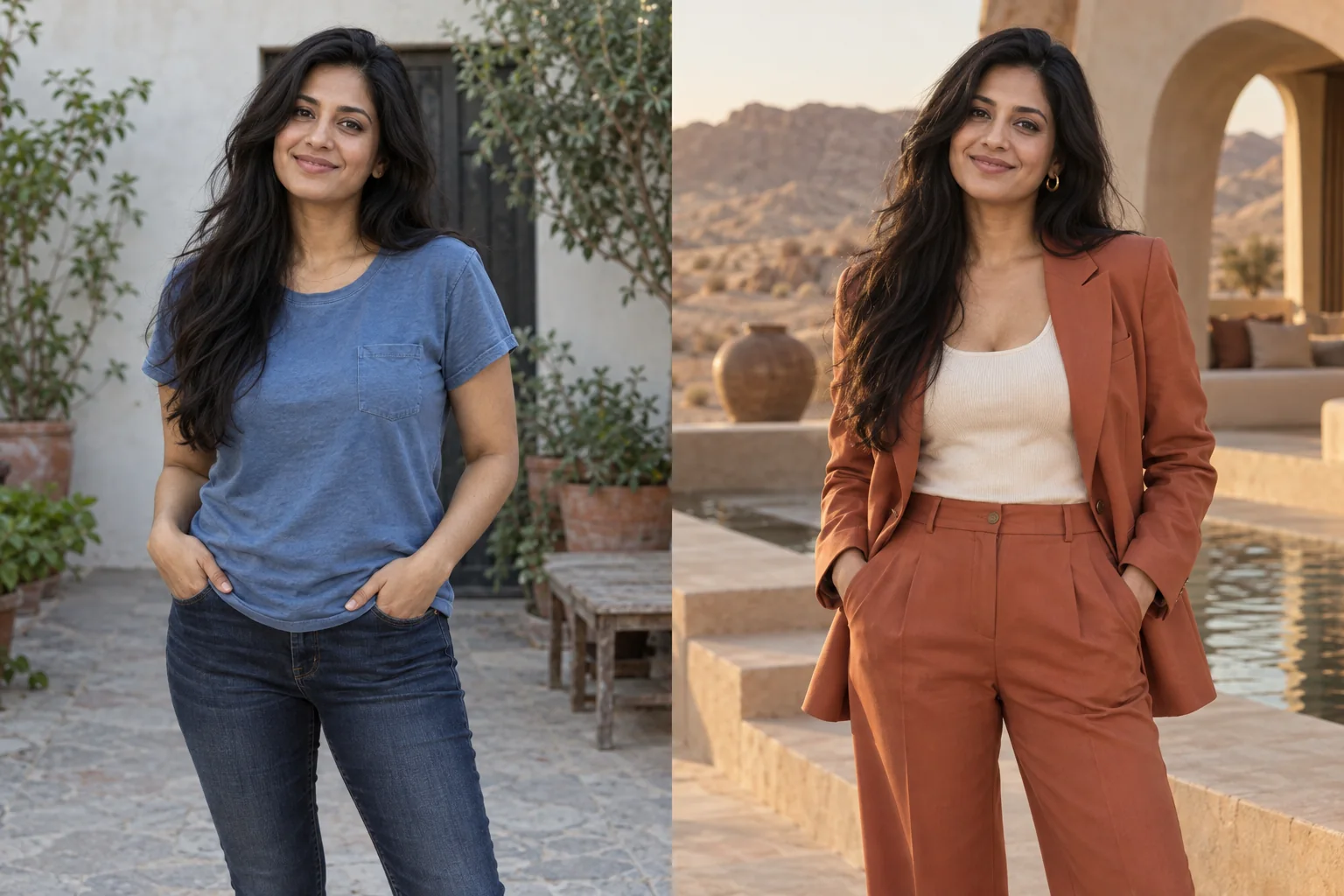
Scene changes from a real photo

Move the portrait without losing what made it work.

Use a place reference or describe the destination in plain language. Moonlight rebuilds the surroundings while the source photo continues to anchor the person and composition.

No card requiredPrivate by default4K output
Source portrait
Mara in a gray T-shirt and charcoal sweatpants
Red evening outfit referenceOutfit
Moonlight edit
Mara edited into a wine-red evening gown
Wardrobe edit

Dress Mara for the evening. Keep her pose and the hallway.

Published demonstration

A place reference carries more than a location name.

Architecture, light direction, materials, and atmosphere can come from a saved place reference instead of a long prompt.

Inspect the complete recipe
Build the setting

Describe light, time, and atmosphere—not just geography.

“At a museum” leaves most of the scene undecided. “Inside a quiet modern art museum with warm side light, pale stone, and a full-length editorial composition” gives the edit a photographic direction.

Protect the source

Separate the background change from the portrait.

State which parts should remain: the same person, pose, expression, focal length, and foreground detail. A narrow request makes it easier to evaluate whether the edit obeyed the brief.

  • Match horizon and camera height where possible.
  • Use a place image with clear depth and lighting.
  • Check hair, shoulders, feet, and other foreground edges.
Keep it truthful

Disclose invented places when context could mislead.

A creative scene change can be obvious entertainment or art direction. If the image could be mistaken for evidence that a person attended a real place or event, label it as AI-edited.

Start with the photo you have

Make the scene you imagined.

Create an account for 15 credits—enough for 5 image creations. No card required.

Start creating