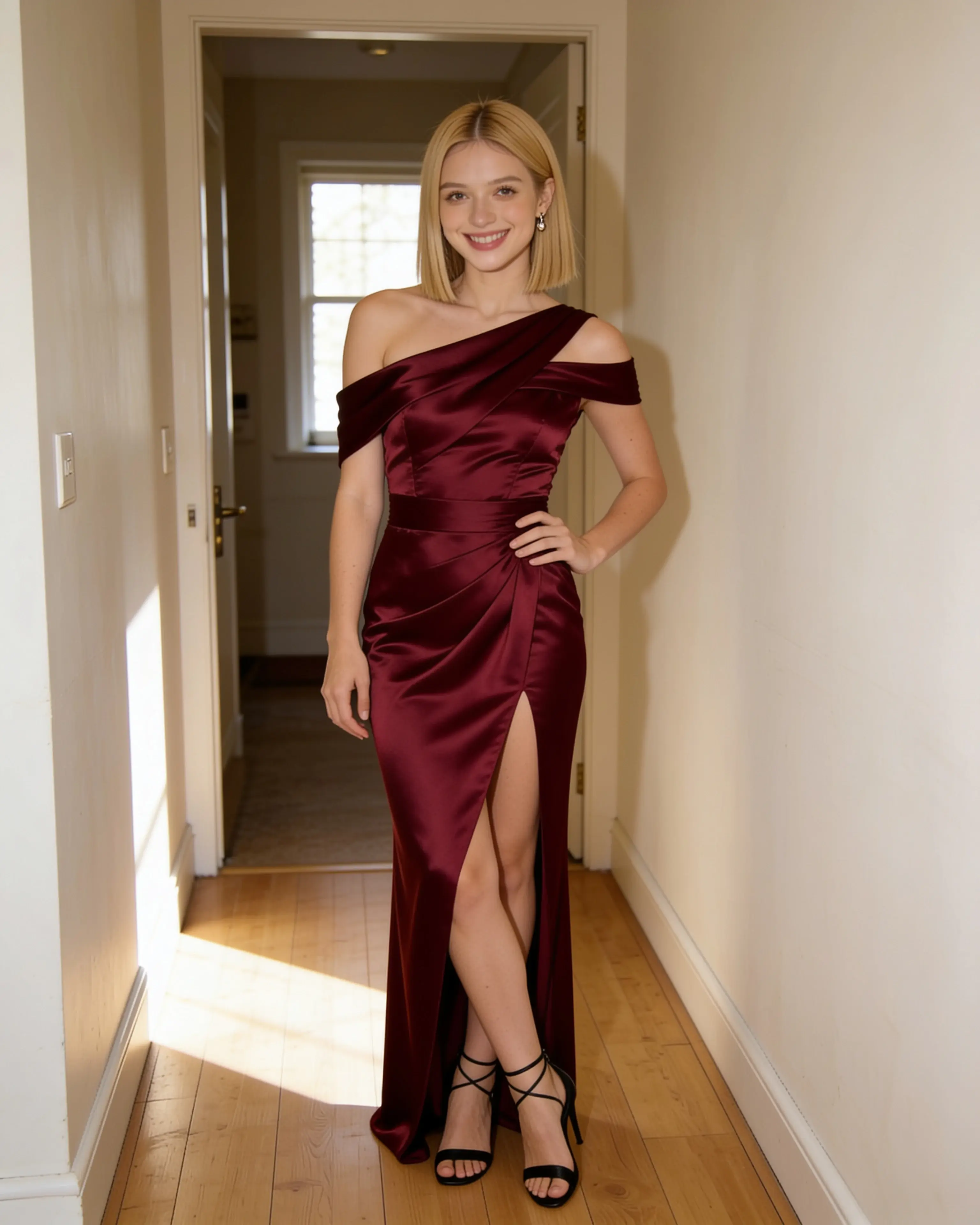
Moonlight demonstration edit
After-hours elegance.
A wine-red gown, the pose you love, and the room you started in.
Try the eveningwear promptThe portrait you love, styled a different way. Bring your own photo, describe an outfit or add a reference, and give it a new look with AI. Review your result and download it in 4K.
No card required. Free credits for new accounts.
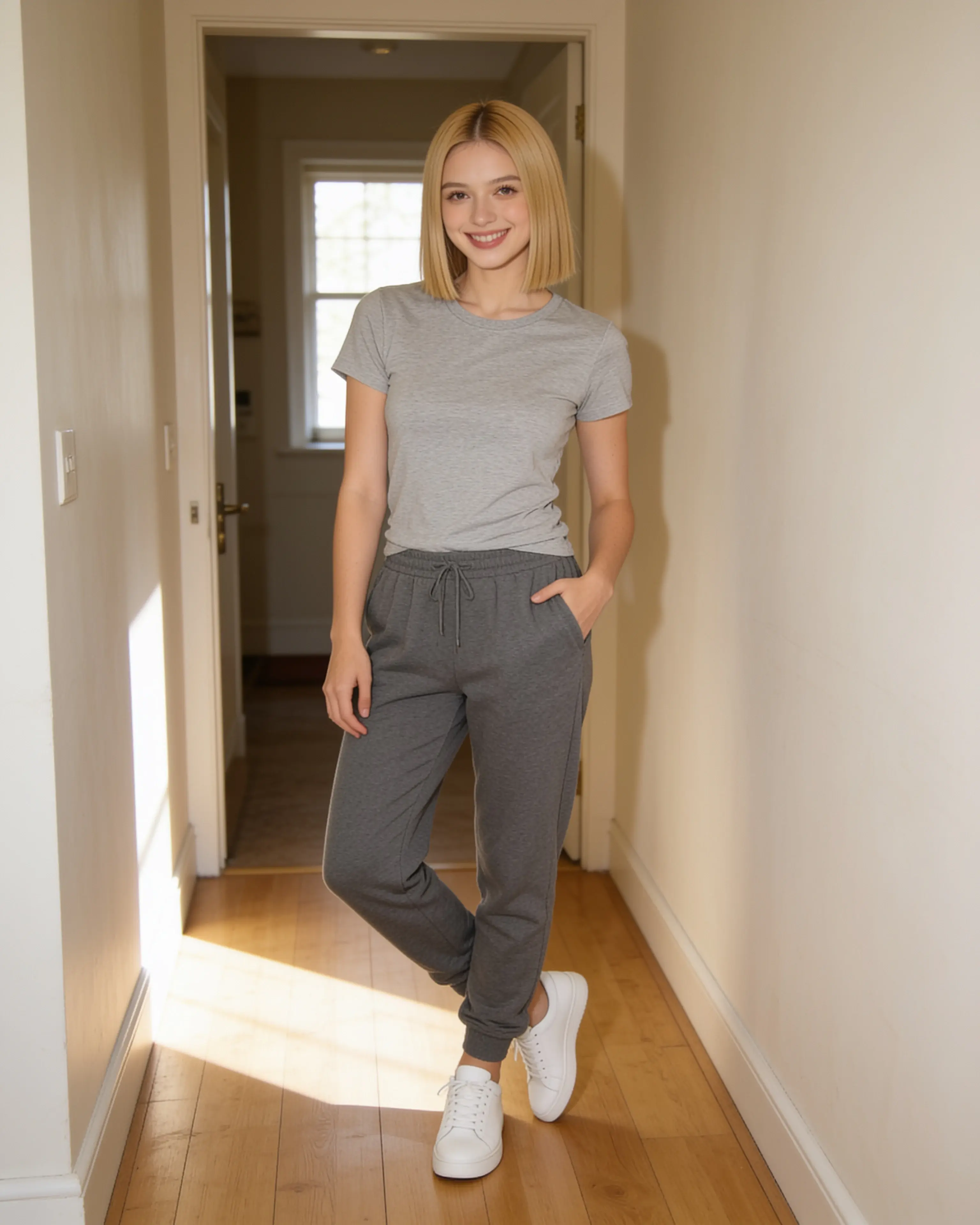
Made with Moonlight using a fictional adult portrait.
Drag to compare the source and the eveningwear edit. Results vary.
Choose a clear portrait of yourself, or an adult who has agreed to the edit.
Change the outfit, light, or setting. Add an outfit reference if you have one.
Review the face, hands, and fabric. Keep the result you like and download it in 4K.
Pick a direction to open a ready-to-edit prompt. Add your own photo in the studio; opening a prompt uses no credits.
A wine-red gown, the pose you love, and the room you started in.
Try the eveningwear prompt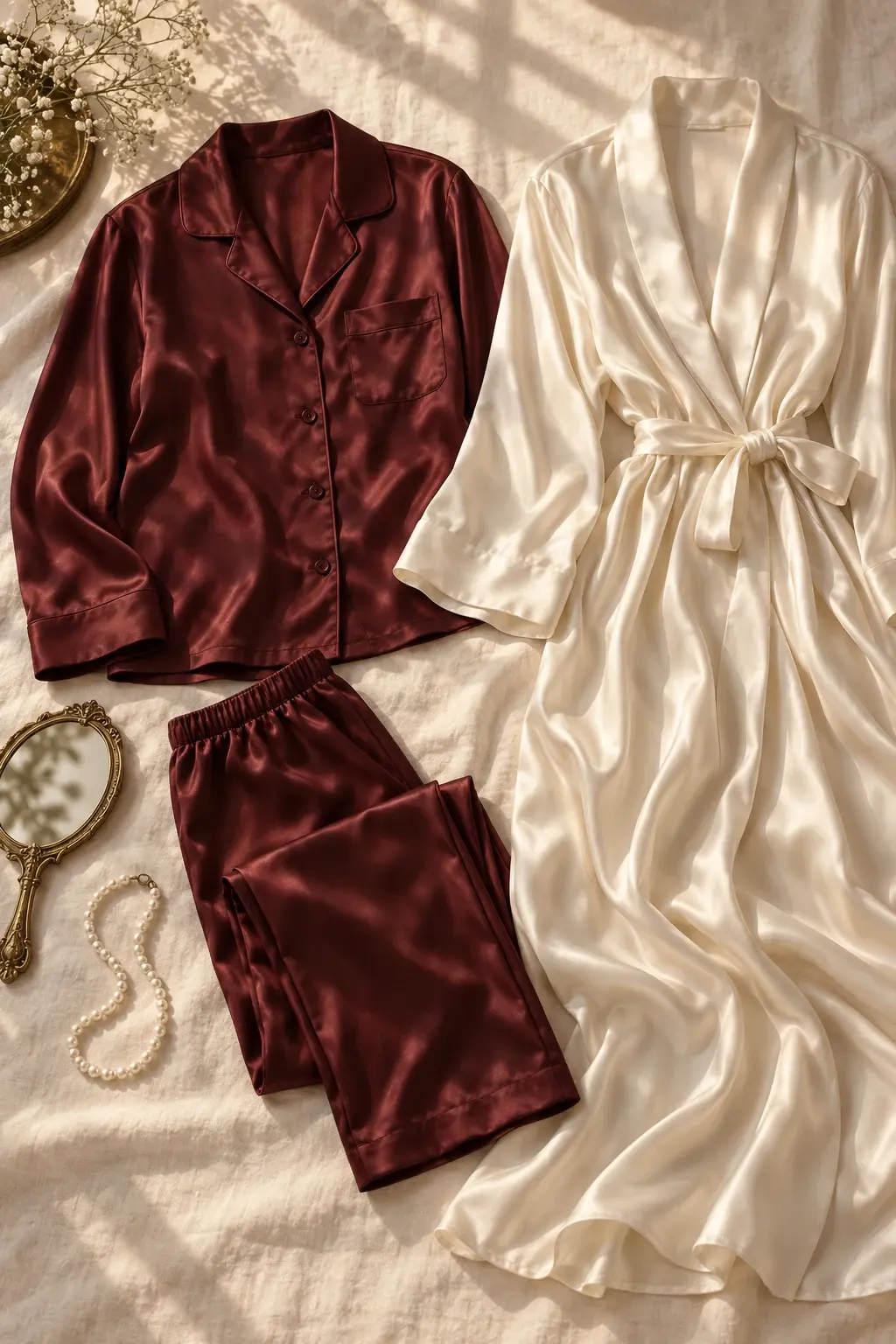
Try burgundy silk pajamas, an ivory robe, and warm window light for a relaxed portrait.
Try the silk styling promptText works for broad direction such as a charcoal suit, linen resort wear, or a red evening dress. An outfit image is more useful when silhouette, fabric, color placement, or styling details matter.
A starting prompt: Replace my T-shirt with a navy blazer and a white shirt. Keep my face, hairstyle, expression, body proportions, pose, and background the same. Match the new clothing to the original lighting.
A convincing wardrobe edit needs more than copying a garment. The result should account for the subject’s posture, occlusion, existing light, and the way fabric would sit on the body.
Moonlight can help visualize styling and produce creative imagery, but an output cannot confirm garment sizing, construction, or how a real product will fit.
Your uploads and edits stay out of public galleries. You choose what to download and share.
AI services process the images needed for your edit. Deleting media from your studio can leave a copy in an administrator-only archive.
Read how your photos are handled3 credits per image. New accounts get enough for 5 image creations, including revised attempts.
New accounts receive 15 welcome credits, enough for 5 image creations. No card is required. Each image costs 3 credits, including another attempt with a revised prompt.
Yes. Upload your portrait and an outfit reference in the studio, then describe what to change. Use images you have permission to upload. References guide the result; they do not guarantee exact garment details or real-world fit.
Ask Moonlight to preserve the features and pose you want to keep, then check the result carefully. AI can alter faces, hands, clothing, and other details. The eveningwear comparison is a completed Moonlight edit of a fictional adult; the silk flatlay is an AI-generated outfit reference.
Your studio has no public gallery. AI services process the images needed for your edit, and deleting media can leave a copy in an administrator-only archive. Read Photo privacy for the full handling and retention details.
5 free edits. No card required.