Create an account and get 5 free image creations →
Identity-aware editing

Change the scene. Keep the person unmistakably them.

Start from a real portrait, describe only what should change, and use references when words are not precise enough. Moonlight is built for edits where identity matters more than novelty.

No card requiredPrivate by default4K output
Source portrait
Mara in a gray T-shirt and charcoal sweatpants
Red evening outfit referenceOutfit
Moonlight edit
Mara edited into a wine-red evening gown
Wardrobe edit

Dress Mara for the evening. Keep her pose and the hallway.

Published demonstration

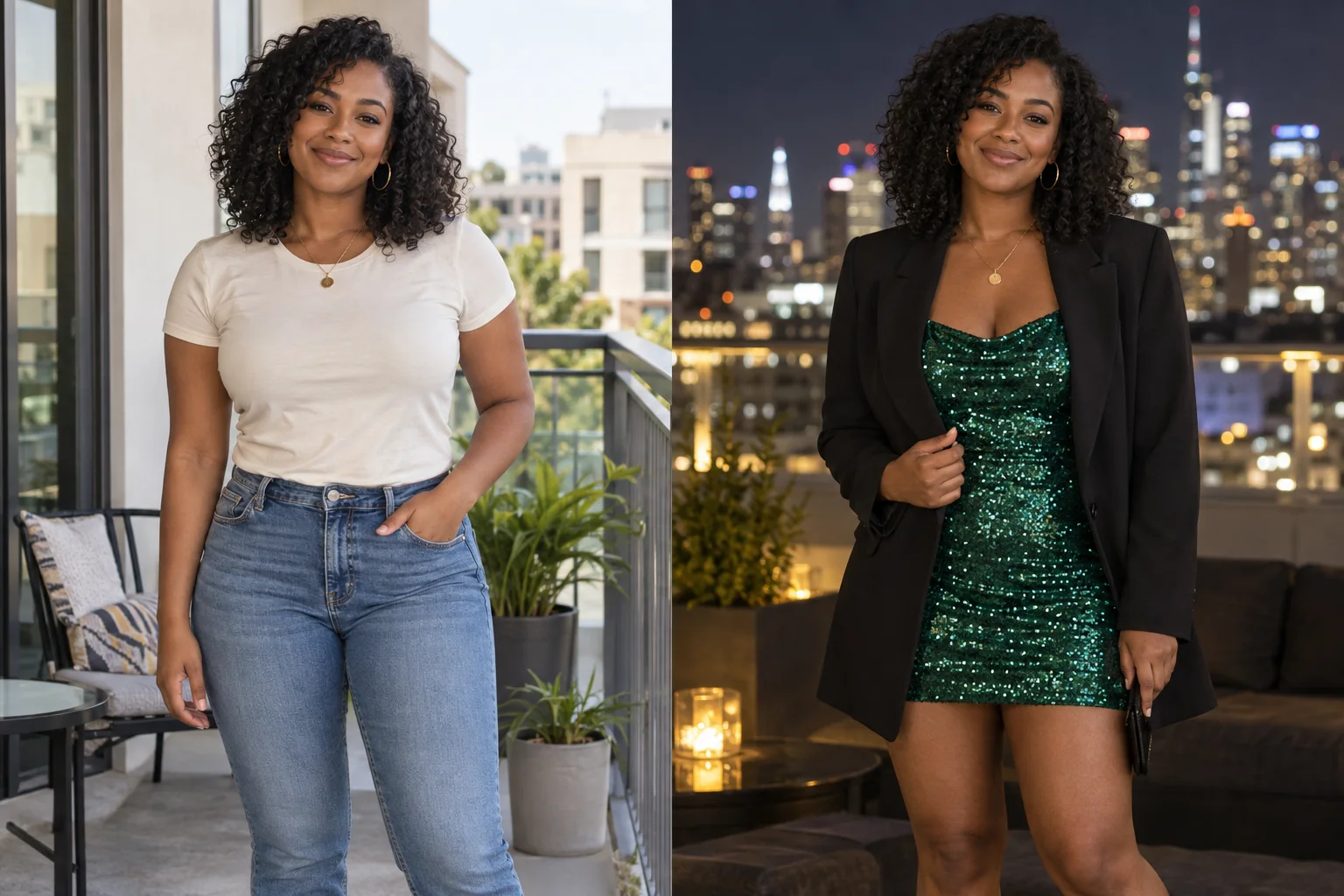
A source photo remains the anchor.

In the published demonstration, casual clothes become evening wear while the original portrait supplies the person, expression, pose, hallway, and visual identity.

Inspect the complete recipe
01 — Start clearly

Use a source photo where the person is easy to read.

A sharp, well-lit portrait gives the edit a stronger identity anchor. Keep the face visible and avoid a source image where hair, accessories, or heavy shadows obscure the features you need preserved.

Moonlight treats the first edit image as the source rather than asking you to create a technical identity model.

02 — Direct narrowly

Name the change—and the parts that must stay.

A useful instruction separates the new scene from the protected details: change the outfit and location; keep the same person, expression, camera angle, and natural skin texture.

  • State the wardrobe or setting change directly.
  • Call out expression, hairstyle, pose, or framing when they matter.
  • Use a reference image for visual details that are difficult to describe.
03 — Review honestly

AI consistency is a result to inspect, not a guarantee to assume.

Review facial structure, hands, fabric edges, jewelry, and background intersections before publishing. If an important detail drifted, repeat the edit with a narrower instruction or a clearer reference.

Start with the photo you have

Make the scene you imagined.

Create an account for 15 credits—enough for 5 image creations. No card required.

Start creating