You want reusable people, places, outfits, and poses organized around a focused photo workflow with private 4K results and a direct path to animation.
Try MoonlightPhoto studio or general assistant
Stay inside one photo workflow—or make the image part of a conversation?
Moonlight is a focused private studio for source-led images and short motion. ChatGPT Images sits inside a general assistant, where image creation and editing can continue across a conversation alongside writing, research, and other work.
Reviewed
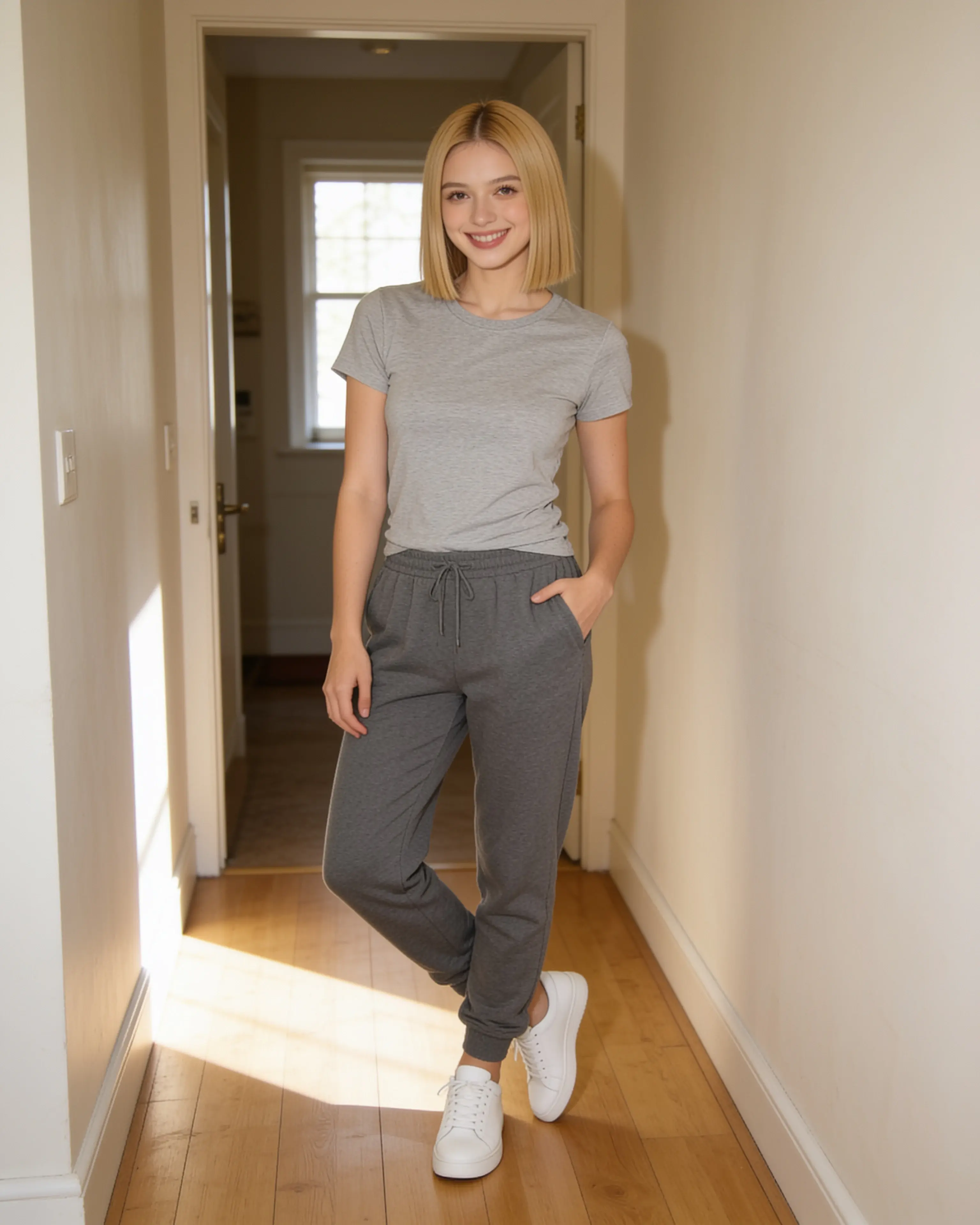
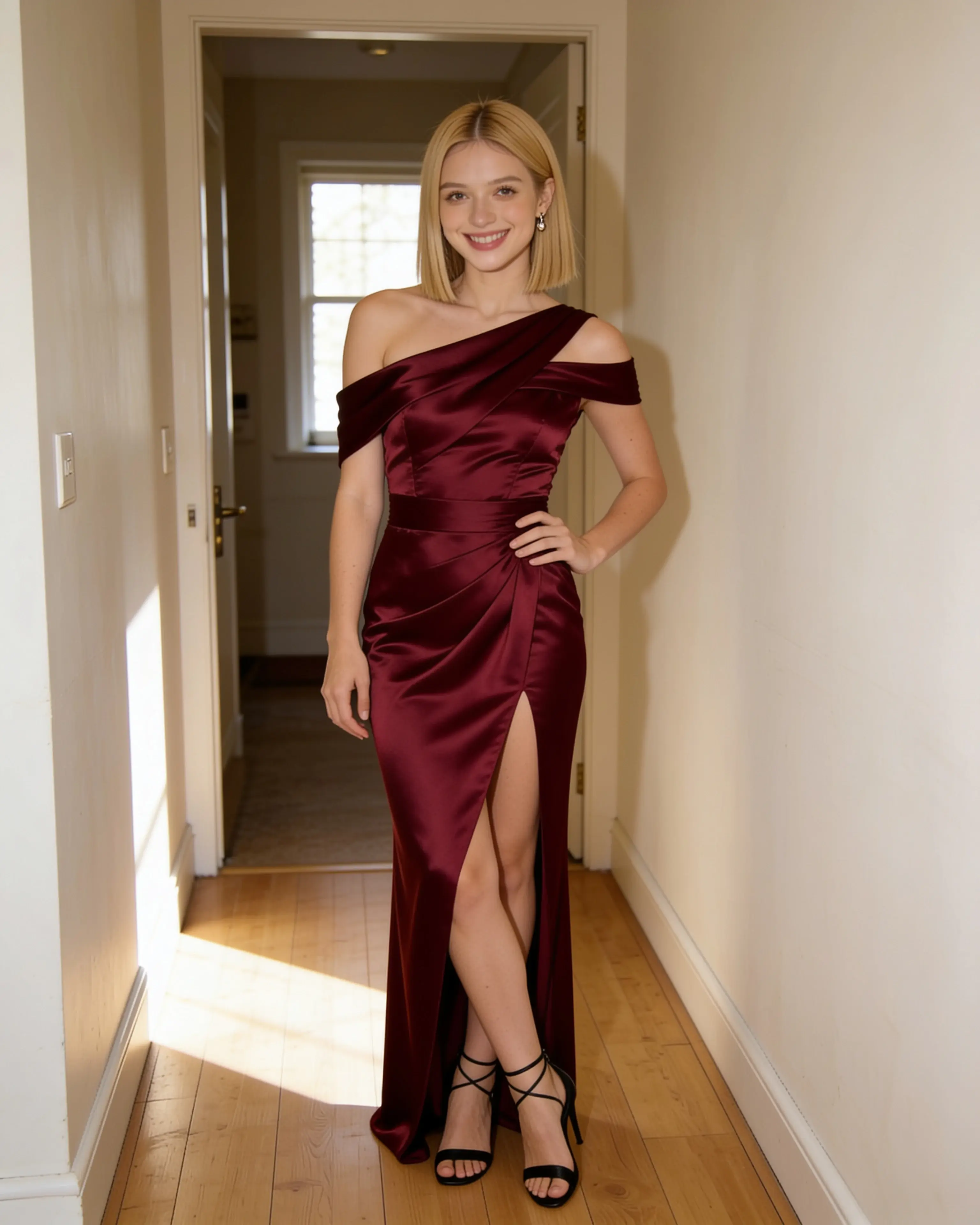
Short answer
Choose Moonlight when the scene recipe and private photo library are the product. Choose ChatGPT when image work belongs inside a broader conversational assistant.
You want to create or edit images through conversation, select local areas, iterate with follow-up requests, or combine the image task with writing and research.
Visit an official sourceStarting material
The workflows diverge before the first result.
Moonlight
- 01
Choose the source photograph and any saved visual references.
- 02
Describe the finished scene in one directed recipe.
- 03
Review a private 4K result and optionally animate it.
ChatGPT
- 01
Open Images or start in a conversation and upload an existing image.
- 02
Describe the change, optionally selecting a specific area in the editor.
- 03
Continue refining through follow-up messages, then save or share the result.
Side by side
Compare the parts that change the work.
Swipe to compare ChatGPT
| Decision point | Moonlight | ChatGPT |
|---|---|---|
| Primary workspace | A dedicated studio for source photos, references, creations, and short animation. | A general conversational assistant with image generation and editing built in. |
| Editing style | Describe the full scene while the source image and references remain visible. | Edit through conversation, either globally or after selecting a local area. |
| Reusable references | Save named people, places, outfits, and poses in an account library. | Upload images in a conversation and revisit created images through the Images library. |
| Iteration | Repeat a scene recipe with a revised instruction when a result needs adjustment. | Use conversational follow-ups, selections, undo, redo, and aspect-ratio changes. |
| Broader work | Stays centered on finished still images and short silent motion clips. | Can connect the image task to writing, research, analysis, and other assistant capabilities. |
| Delivery | 4K still images by default, plus silent five-, ten-, or thirty-second 720p animation. | Created images are saved in Images and can be copied, saved, or shared from web and mobile. |
| Content and data | Uploads, prompts, saved references, and results are private to the account by default. | Consumer conversations may be used to improve models unless training is disabled; Temporary Chat is not used for training. |
| Entry point | 5 free image creations, then monthly plans from $15 | ChatGPT Images is available on all tiers; the free tier has limited image access. |
Our reading
There is no universal winner here.
Moonlight keeps the image inputs legible as a reusable production system. That focus is useful when the same person, place, outfit, or pose should return across future edits without searching through unrelated conversations.
ChatGPT is the better fit when conversation is the workspace. Its official image experience supports uploaded-image edits, selection-based changes, transparent backgrounds, varied aspect ratios, and follow-up refinement inside a broader assistant.
Evidence ledger
Verify the details.
Competitor features and pricing can change. These first-party pages were checked on July 28, 2026.
Product names and trademarks belong to their respective owners. Moonlight is not affiliated with or endorsed by the compared company.
Try the workflow
Bring the photo you already want to keep.
Create an account, make 5 images free, and see whether a source-led scene recipe fits the way you work.
Start creating