You want a dedicated workflow for preserving a source photograph, reusing named references, receiving a 4K result, and animating it without model choices.
Try MoonlightScene recipe or multimodal chat
Direct a private photo edit—or build it inside a multimodal conversation?
Moonlight organizes source photos and reusable visual references around a finished image. Gemini can generate and edit images inside a broader multimodal chat, including combining multiple uploads and continuing through follow-up prompts.
Reviewed
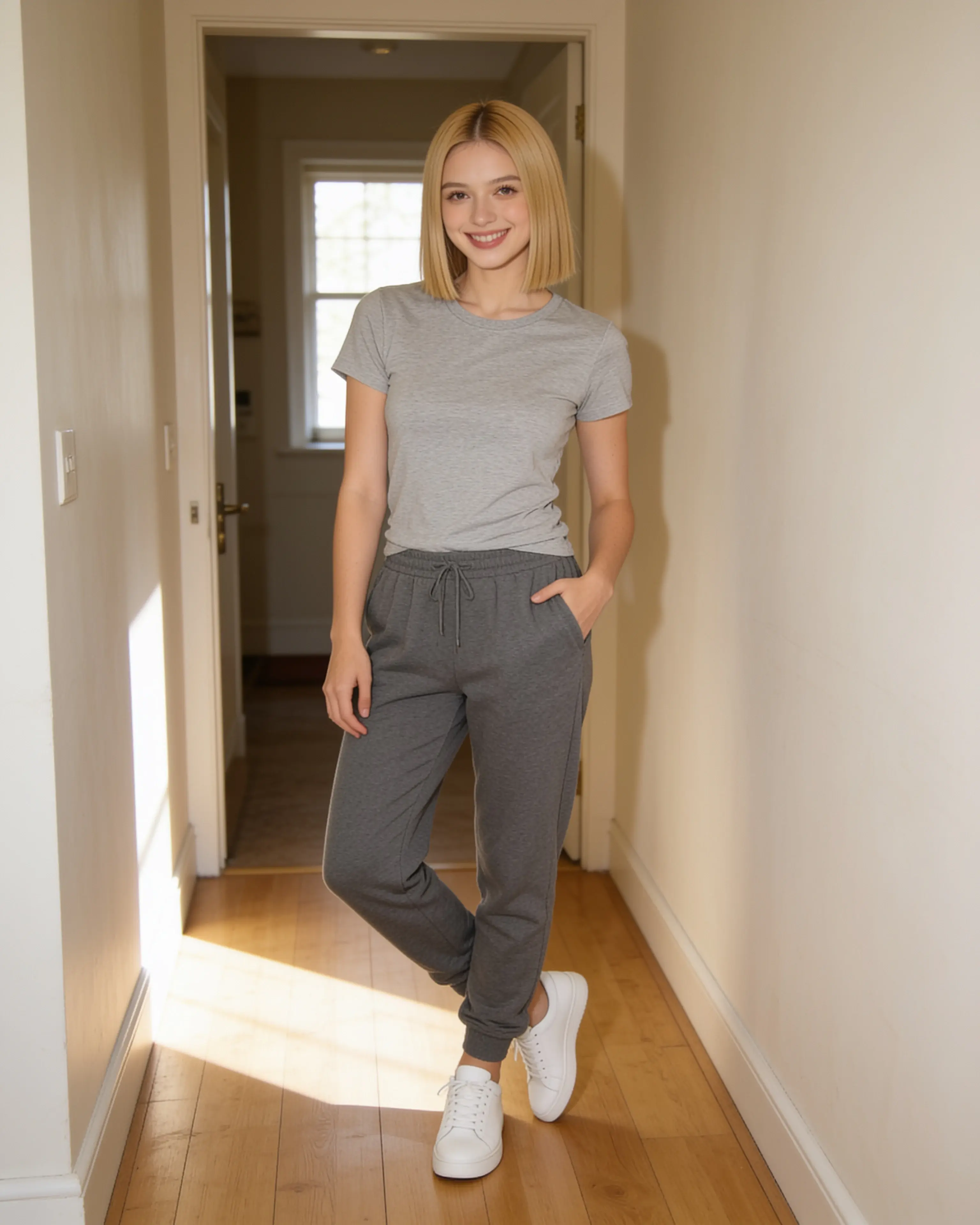
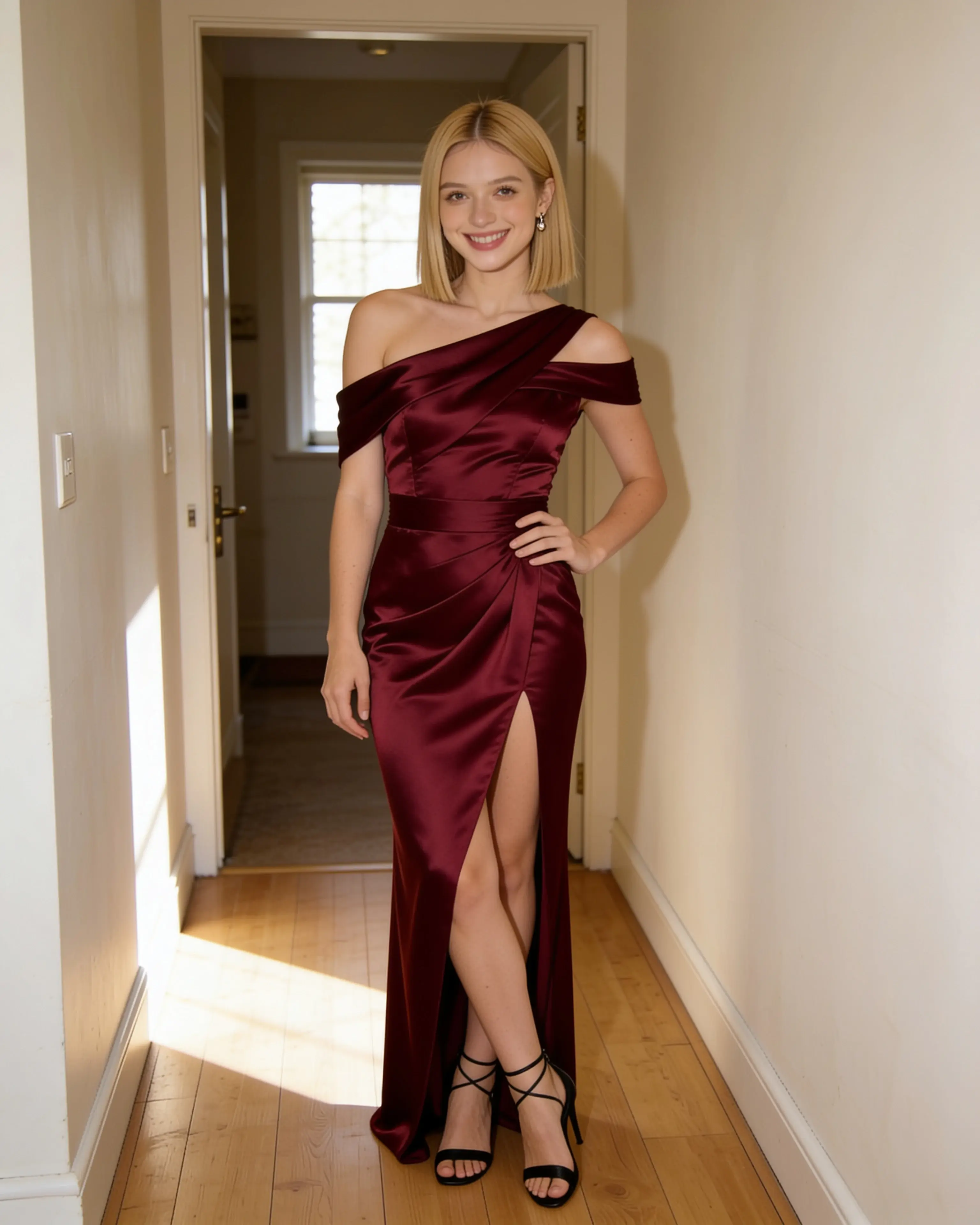
Short answer
Choose Moonlight for a focused private library and repeatable scene recipes. Choose Gemini when image editing should live inside a wider Google AI conversation.
You want conversational image creation and editing alongside Gemini’s broader multimodal tasks, model choices, connected features, and paid media-generation options.
Visit an official sourceStarting material
The workflows diverge before the first result.
Moonlight
- 01
Select a source photo and up to nine additional visual inputs.
- 02
Assign reusable roles and describe the intended finished scene.
- 03
Review the private 4K result or carry it directly into Animate.
Google Gemini
- 01
Open Gemini, add one or more images, and describe the requested result.
- 02
Refine the image through follow-up prompts in the same conversation.
- 03
Download the image or continue into other Gemini tasks and eligible media tools.
Side by side
Compare the parts that change the work.
Swipe to compare Google Gemini
| Decision point | Moonlight | Google Gemini |
|---|---|---|
| Primary workspace | A dedicated private studio and reusable library for visual production. | A general multimodal assistant where image work is one conversation type. |
| Source-photo editing | The chosen source photo explicitly anchors identity and composition. | Upload an image and ask Gemini to edit it or use it to generate other content. |
| Multiple images | Combine up to ten inputs with roles such as person, place, outfit, and pose. | Upload multiple images and ask Gemini to create a new image from them. |
| Iteration | Revise the scene recipe while keeping the production inputs organized. | Continue through conversational follow-ups and regenerated responses. |
| Model access | The system chooses the image and video models for the requested job. | Gemini exposes model and feature access that varies by account and Google AI plan. |
| Motion | Animate any owned still into a silent five-, ten-, or thirty-second 720p clip. | Video generation is available on eligible paid Google AI plans. |
| Content and data | Uploads, prompts, saved references, and results are private to the account by default. | With Keep Activity on, uploads may help improve Google services with human review; turning it off changes that use for future chats. |
| Entry point | 5 free image creations, then monthly plans from $15 | Gemini offers standard usage without a Google AI plan; paid plans expand limits and media features. |
Our reading
There is no universal winner here.
Moonlight keeps each input’s job explicit. A source photo anchors the edit while named people, places, outfits, and poses become reusable creative material outside any single session.
Gemini makes more sense when the image is one turn in a larger conversation. Google’s official help describes uploaded-image editing, multi-image composition, follow-up refinement, and plan-dependent access to expanded media generation.
Evidence ledger
Verify the details.
Competitor features and pricing can change. These first-party pages were checked on July 28, 2026.
- Gemini image generation and editing guide
- Gemini limits and Google AI upgrades
- Gemini Apps Privacy Hub
Product names and trademarks belong to their respective owners. Moonlight is not affiliated with or endorsed by the compared company.
Try the workflow
Bring the photo you already want to keep.
Create an account, make 5 images free, and see whether a source-led scene recipe fits the way you work.
Start creating