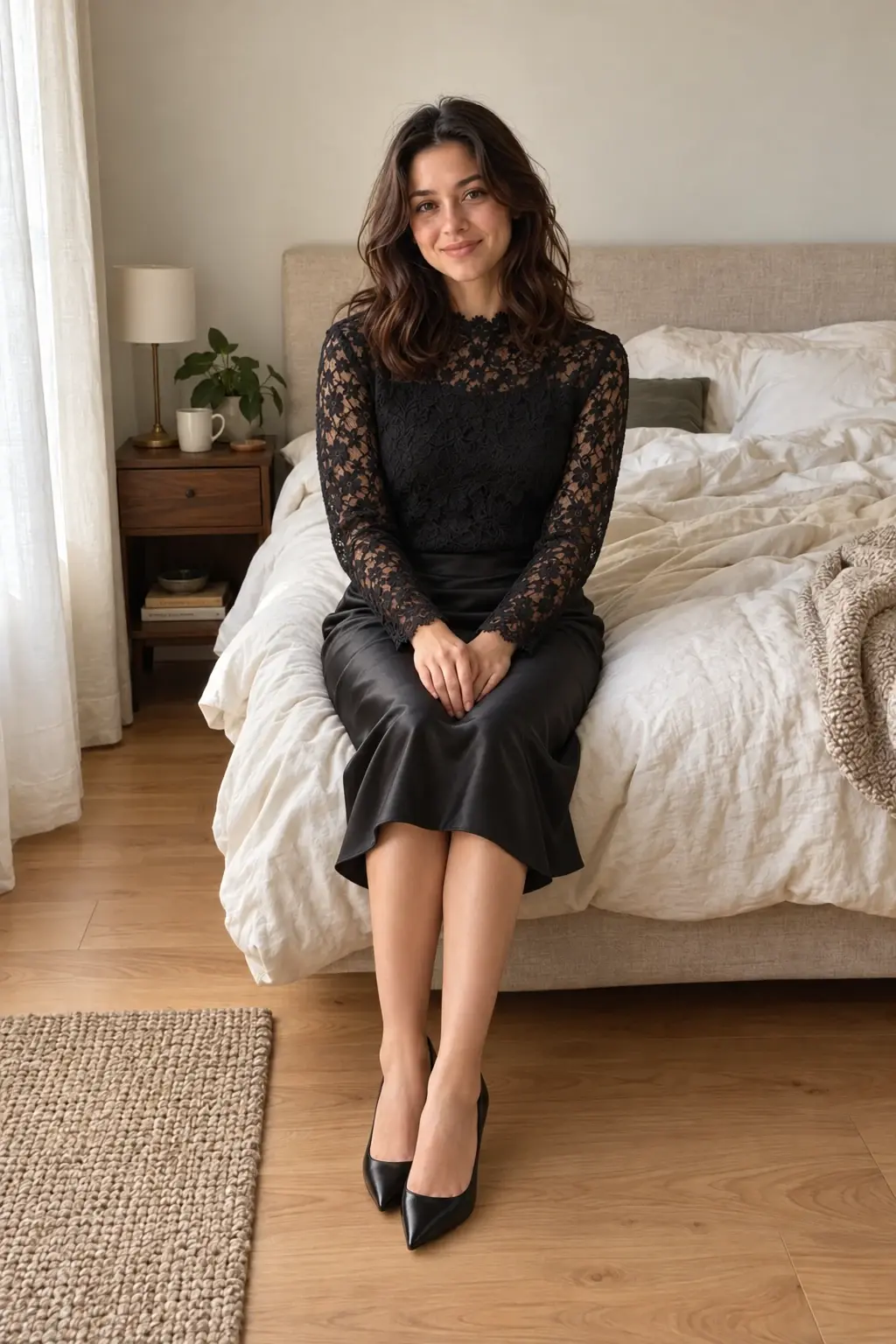
AI-generated portrait illustration
Black lace. A softer light.
A lined black lace blouse, satin skirt, and black heels. The same person, the same bedroom, a new styling direction.
Try the lace outfit promptCreate a personal boudoir portrait from a photo you already love. Explore softer lighting, a different setting, or a new outfit with AI. Describe your direction, add a reference, and review the edit in your private studio.
No card required. Free credits for new accounts.
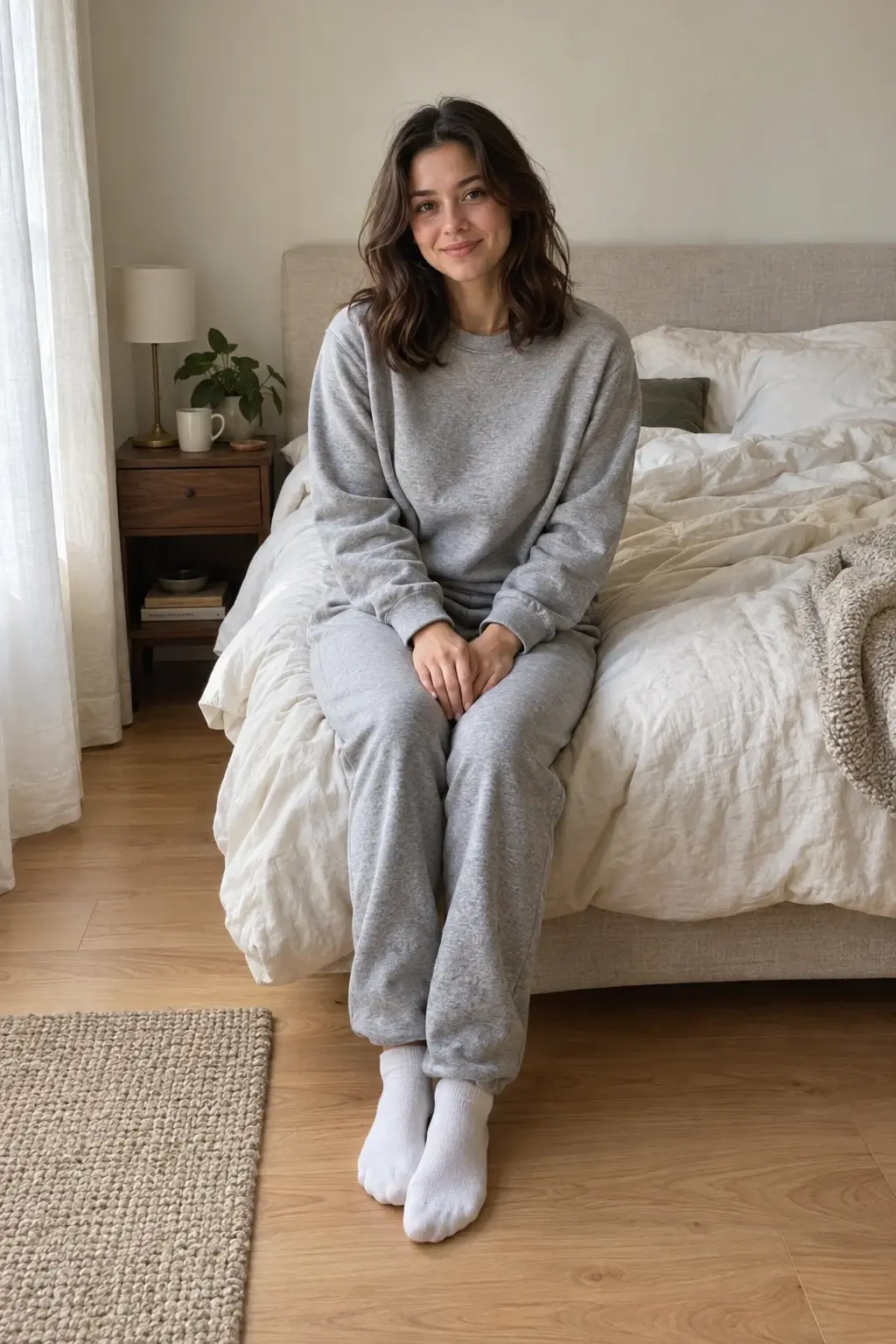
Gray sweats to black lace. Drag to compare.
AI-generated illustration of a fictional adult, not a completed Moonlight edit. Results vary.
Choose a clear portrait of yourself, or an adult who has agreed to the edit.
Change the outfit, light, or setting. Add an outfit reference if you have one.
Review the face, hands, and fabric. Keep the result you like and download it in 4K.
Pick a direction to open a ready-to-edit prompt. Add your own photo in the studio; opening a prompt uses no credits.
A lined black lace blouse, satin skirt, and black heels. The same person, the same bedroom, a new styling direction.
Try the lace outfit prompt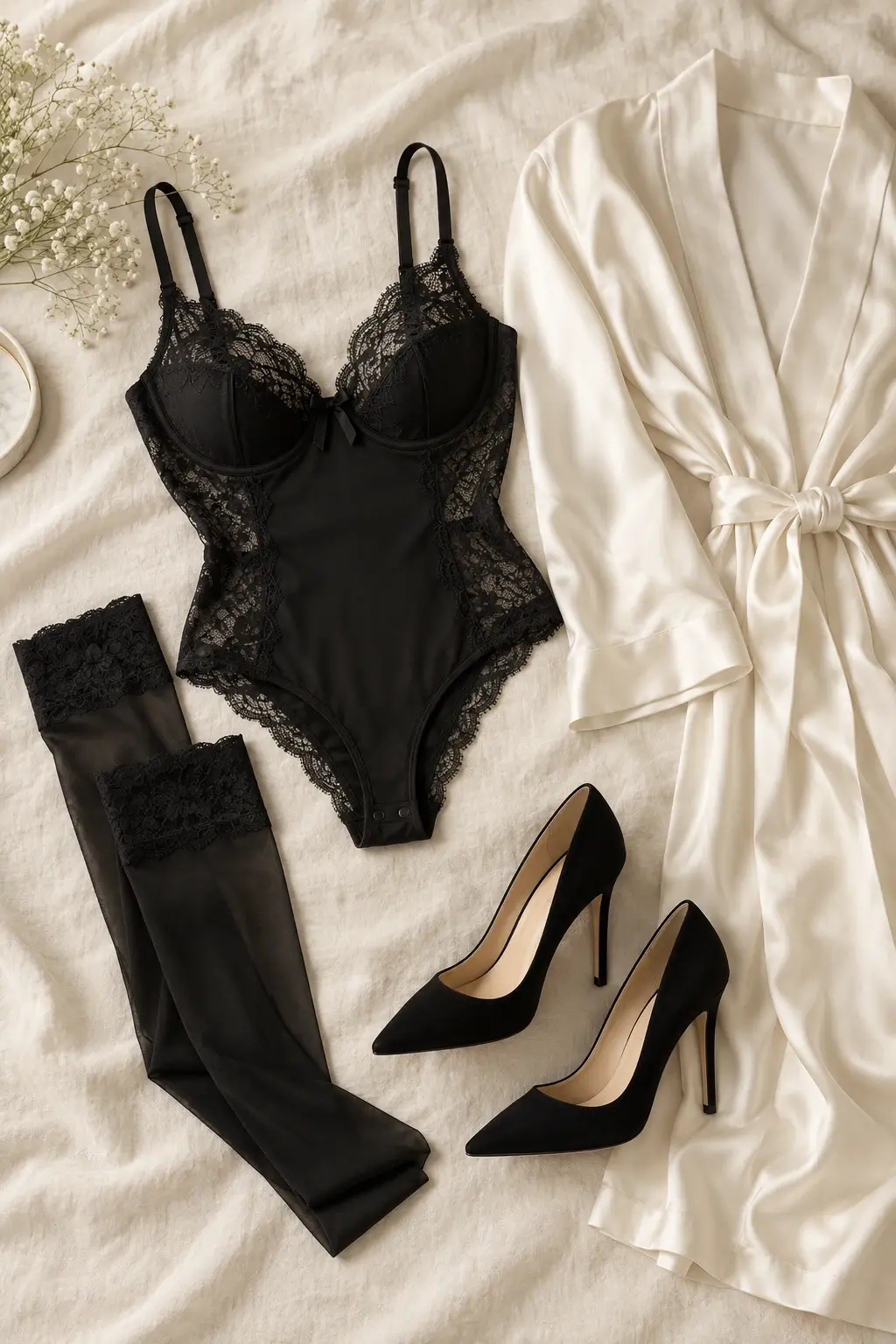
Black lace lingerie, thigh-high stockings, and heels. Explore the styling with your own adult photo or a participating partner. Sensitive edits may be rejected.
Explore the black lace promptLight direction often changes the mood more than adding detail. Ask for soft window light from one side, gentler shadows, or a warmer overall tone. Specify that the editor should preserve natural skin texture and the person's recognizable features.
A starting prompt: Add soft morning window light from the right with gentle shadows. Keep my face, pose, clothing, and natural skin texture unchanged. Review the result for overly smooth skin or changes around the eyes and hairline.
Try a neutral wall, understated curtains, or a softly lit studio setting. Give the background a clear visual role rather than asking the AI to redesign the whole photograph at once.
A starting prompt: Replace the cluttered background with a warm ivory wall and soft linen curtains. Preserve the person, outfit, pose, and framing. A place reference can make a preferred setting easier to communicate.
For a styling change, add an authorized outfit reference and name exactly what it should contribute. Tell the editor which existing details to protect, such as hair, jewelry, facial features, and camera angle.
Compare the source and output at full size. Check hands, facial details, fabric edges, and reflections. AI edits can alter identity or body proportions unintentionally, so keep only results you are comfortable with and disclose AI alterations where appropriate.
Moonlight is for adults aged 18 and over. Use your own photos or obtain explicit permission from each adult depicted for the source and the requested edit. The AI provider may reject sensitive inputs or requests, including nudity; this workflow does not guarantee that every boudoir image can be processed.
Your library is private by default, with no automatic public gallery. Images are processed by configured AI services, and deleted media can remain in an administrator-only archive. Read the privacy details before uploading a personal portrait.
Your uploads and edits stay out of public galleries. You choose what to download and share.
AI services process the images needed for your edit. Deleting media from your studio can leave a copy in an administrator-only archive.
Read how your photos are handled3 credits per image. New accounts get enough for 5 image creations, including revised attempts.
You can request a lingerie styling direction using your own adult photo or explicit permission from each adult depicted for both the source and transformation. The black lace image on this page is an AI-generated clothing reference, not a completed Moonlight edit. Provider safeguards apply, sensitive edits may be rejected, and acceptance is not guaranteed.
Ask for the background change explicitly and tell the editor to preserve your face, expression, pose, and outfit. A clear source and person references help guide the result, but you should review it because exact identity preservation is not guaranteed.
5 free edits. No card required.