From camera roll to finished scene—and motion.
Moonlight keeps the workflow centered on the photograph and your direction. You choose what matters; the studio handles image and video model routing, high-resolution finishing, and private delivery.
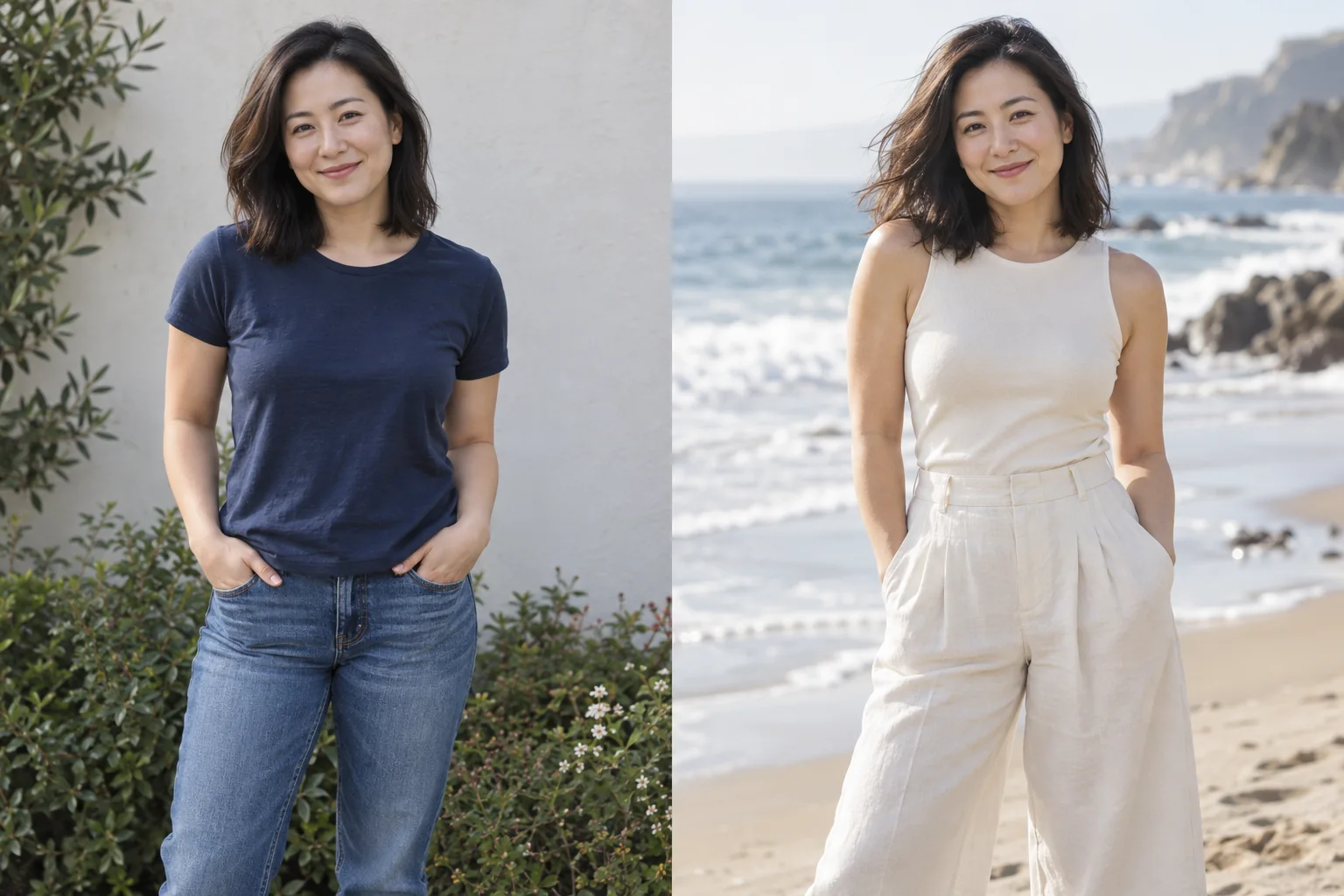
Less rush. More sea air.
An everyday portrait becomes a breezy coastal scene in ivory linen.
Explore the look and suggested promptUpload the photo you want to edit.
Choose a source image with the person, product, composition, or moment you want to preserve. For a generation from scratch, a source is optional.
Save useful people, places, outfits, and poses.
Name the visual ingredients you expect to reuse. Your private library keeps them available without repeated uploads.
Describe the finished photograph in plain language.
Tell Moonlight what should change, what must stay, and how the references relate. Every edit or generation costs 3 credits.
Inspect and download the 4K result.
Review identity, hands, edges, text, and any commercially important detail. Repeat with a narrower direction if the first result does not follow the brief.
Animate any upload or finished creation.
Choose an image, describe the motion, and select five, ten, or thirty seconds. Moonlight creates a silent 720p MP4 without asking you to choose a video model or quality tier.
Make the scene you imagined.
Create an account for 15 credits—enough for 5 image creations. No card required.
Start creating