You want one calm workflow for preserving a source photo, combining visual references, receiving a finished 4K image, and optionally making it move.
Try MoonlightFocused studio or creative suite
Direct one finished image—or explore a wider creative system?
Moonlight keeps model selection and production controls out of sight. Adobe Firefly offers a broader generative workspace with multiple media types, partner models, mood boards, and handoff into Photoshop and Adobe Express.
Reviewed
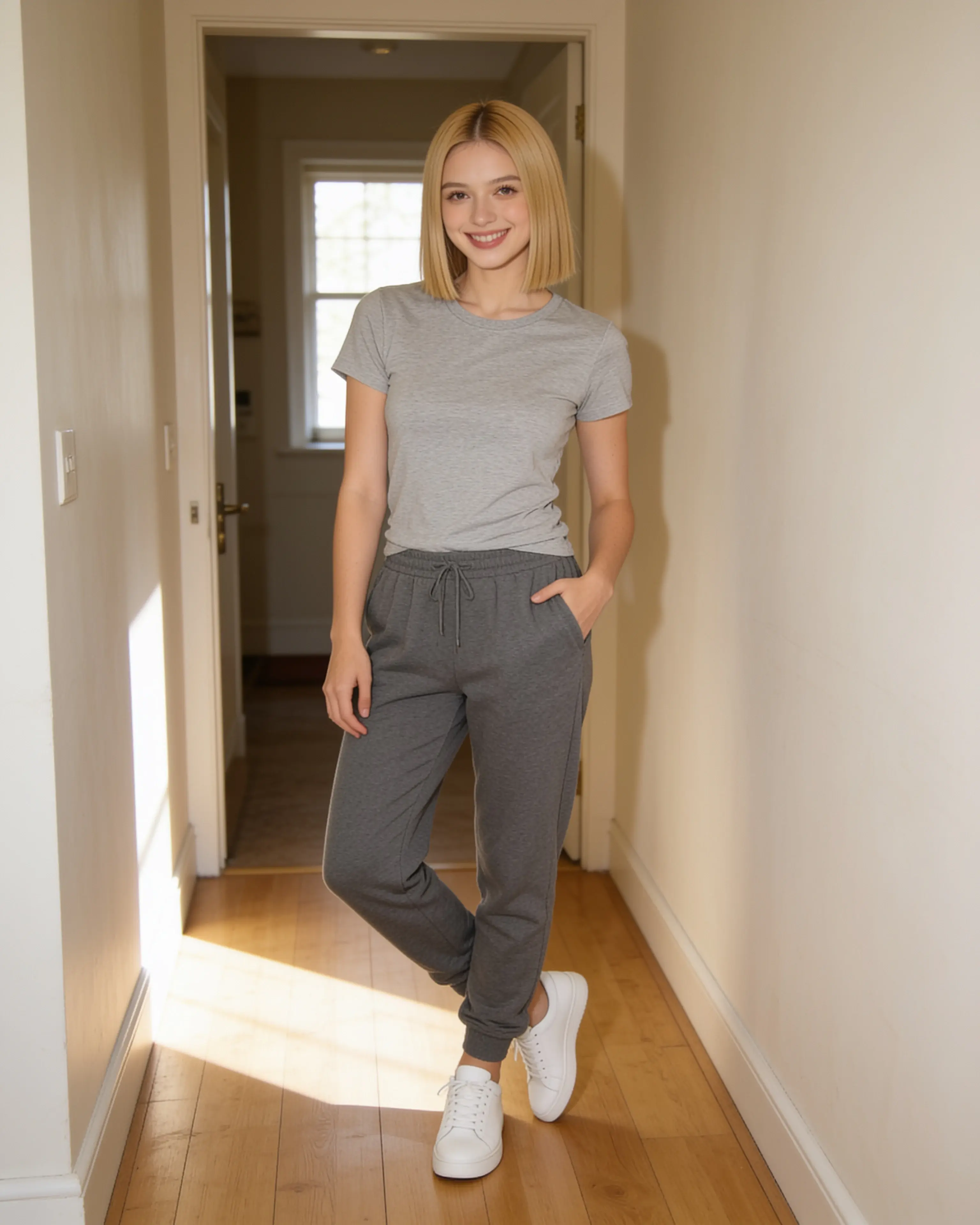
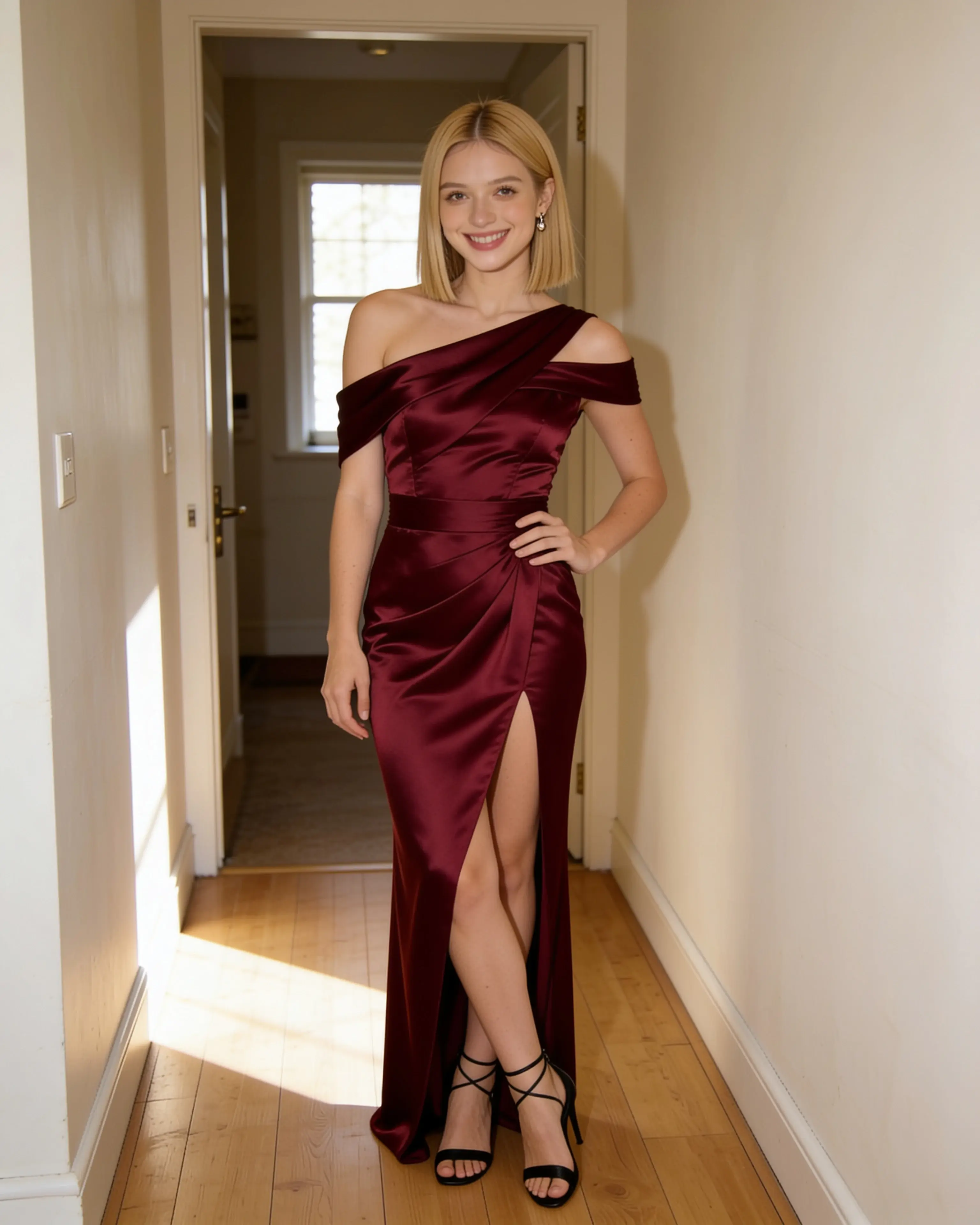
Short answer
Choose Moonlight for a direct, private source-photo workflow with reusable scene references. Choose Adobe Firefly for broader model choice, generative exploration, and integration with Adobe’s creative applications.
You want model choice, Generative Fill, mood boards, video or audio exploration, and a path into Photoshop, Adobe Express, or a wider Adobe production workflow.
Visit an official sourceStarting material
The workflows diverge before the first result.
Moonlight
- 01
Anchor the work to a source photo or begin from a set of visual references.
- 02
Describe the outcome while the system selects the generation pipeline.
- 03
Receive a private 4K image and optionally animate the still.
Adobe Firefly
- 01
Choose an image, video, audio, or ideation tool and an available model.
- 02
Generate or refine with tools such as Generative Fill, Boards, and partner models.
- 03
Continue in Firefly or move into Photoshop and Adobe Express on eligible plans.
Side by side
Compare the parts that change the work.
Swipe to compare Adobe Firefly
| Decision point | Moonlight | Adobe Firefly |
|---|---|---|
| Product scope | A focused private studio for still images and short animation. | A broad generative system spanning images, video, audio, boards, vectors, and partner models. |
| Model choice | The system chooses the image or video model; there is no model picker. | Plans include access to Adobe models and, for premium uses, selected partner models. |
| Source-led editing | The source photo stays visible as the identity and composition anchor. | Generative Fill, Generative Expand, and Prompt to Edit support local and broader changes. |
| Reusable direction | Save people, places, outfits, and poses, then combine up to ten inputs in a recipe. | Firefly Boards, model selection, and Custom Models support wider ideation and consistency workflows. |
| Production handoff | The workflow ends with a downloadable finished image or short animation. | Eligible plans connect the work to Photoshop on web and mobile and Adobe Express Premium. |
| Video | Animate an owned upload or creation into a silent five-, ten-, or thirty-second 720p clip. | Video is a premium-credit feature with allowances and model access that vary by plan. |
| Content and data | Uploads, prompts, saved references, and results are private to the account by default. | Adobe says customer data and content are not used to train its generative AI models. |
| Entry point | 5 free image creations, then monthly plans from $15 | Free daily generations are available; Firefly Standard is listed at $9.99/month at review time. |
Our reading
There is no universal winner here.
Moonlight intentionally hides model infrastructure. The user chooses what must remain, what should change, and which references carry the visual direction. The system returns a finished image rather than opening into a larger editing suite.
Adobe Firefly is better suited to creators who want the suite. Its official offering spans image, video, audio, boards, partner models, Generative Fill, and—in higher plans—Photoshop and Adobe Express.
Evidence ledger
Verify the details.
Competitor features and pricing can change. These first-party pages were checked on July 28, 2026.
Product names and trademarks belong to their respective owners. Moonlight is not affiliated with or endorsed by the compared company.
Try the workflow
Bring the photo you already want to keep.
Create an account, make 5 images free, and see whether a source-led scene recipe fits the way you work.
Start creating