You want to preserve and edit a real photograph, receive a private 4K still, and create a short silent clip without choosing among image and video models.
Try MoonlightPhoto-led studio or motion system
Finish the still and make it move—or build a wider motion pipeline?
Moonlight begins with a source photograph and offers one direct path from edit to short animation. Runway is a larger generative-media workspace spanning image, video, audio, multiple models, references, assets, and team production.
Reviewed
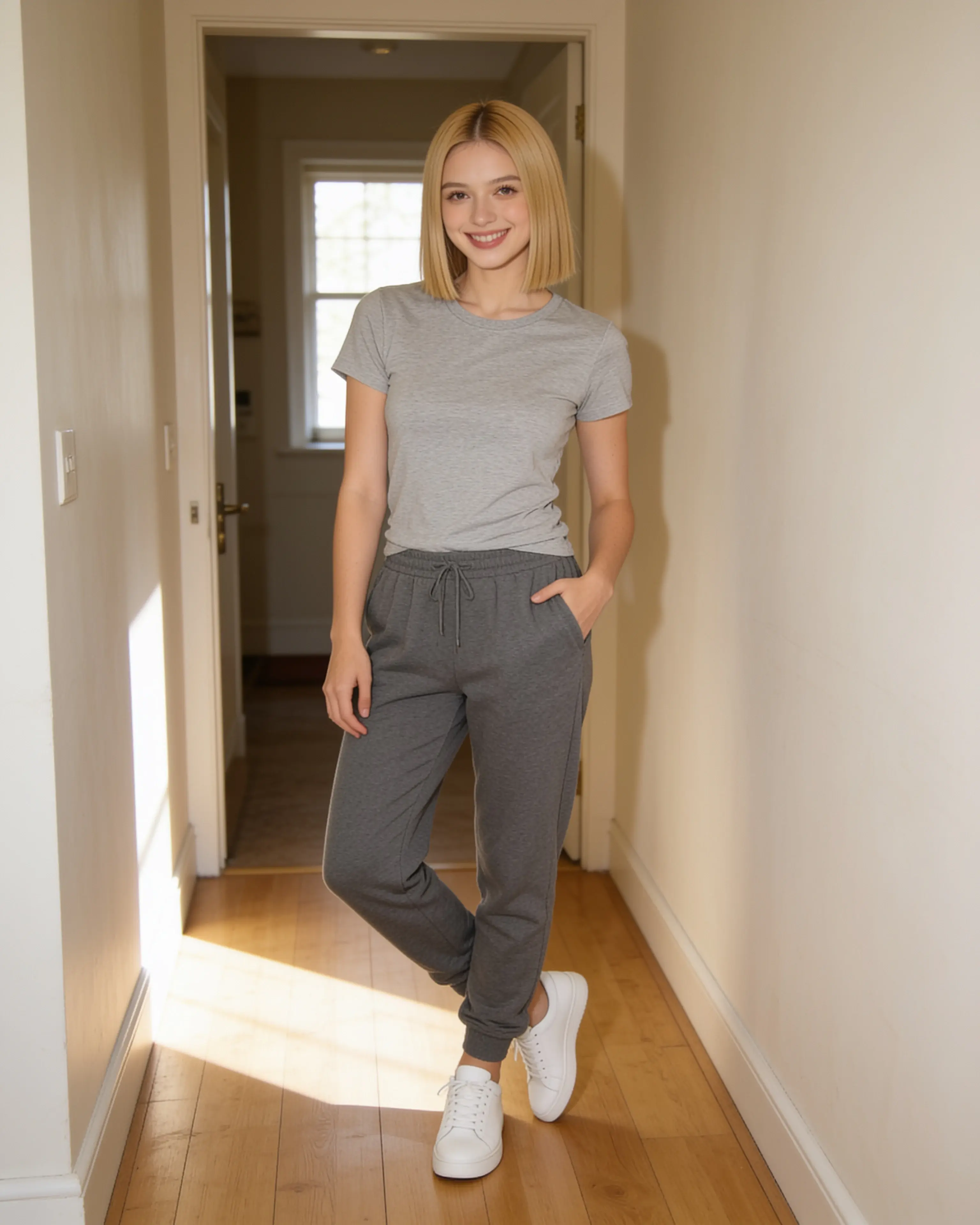
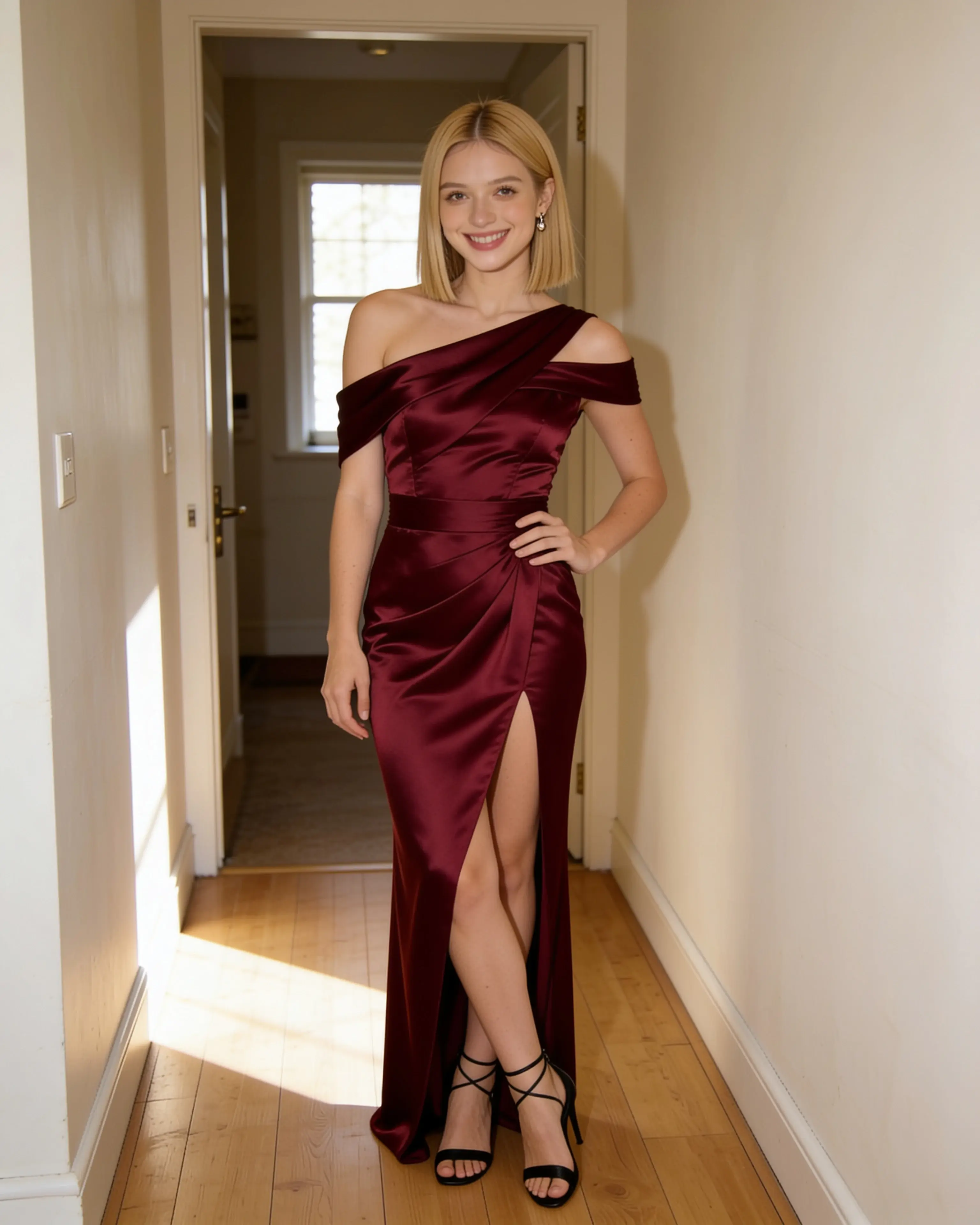
Short answer
Choose Moonlight for a simple source-photo-to-short-motion workflow. Choose Runway when video production, model choice, and a broader media workspace are central.
You want a video-first creative system with multiple models, longer production paths, image and media references, audio tools, projects, and team workspaces.
Visit an official sourceStarting material
The workflows diverge before the first result.
Moonlight
- 01
Edit a source photo with optional people, place, outfit, or pose references.
- 02
Review and download the private 4K still.
- 03
Choose the still in Animate, direct the motion, and select five, ten, or thirty seconds.
Runway
- 01
Choose a media tool and model, then add image, video, or audio references.
- 02
Generate or edit inside a session and manage results in the asset browser.
- 03
Continue through video, audio, upscale, project, or team workflows as needed.
Side by side
Compare the parts that change the work.
Swipe to compare Runway
| Decision point | Moonlight | Runway |
|---|---|---|
| Product scope | A focused studio for still-image editing, generation, and short silent animation. | A generative-media workspace spanning image, video, audio, assets, and team production. |
| Starting point | One source photo or a new scene assembled from visual references. | Text plus uploaded or saved image, video, and audio media depending on the model. |
| Reference system | Save named people, places, outfits, and poses; combine up to ten inputs. | Upload and save reference media, mention it with labels, and use model-specific reference limits. |
| Model choice | The image and video pipelines are selected automatically. | Plans provide access to Runway and selected third-party image and video models. |
| Video | Silent five-, ten-, or thirty-second 720p animation from any owned still. | Video is a core workspace with model, duration, resolution, audio, and credit options. |
| Delivery | 4K still output by default and a downloadable 720p MP4 for animation. | Assets flow through private libraries, sessions, projects, sharing, and plan-dependent upscaling. |
| Content and data | Uploads, prompts, saved references, and results are private to the account by default. | Uploaded and generated assets are private by default and become accessible when deliberately shared. |
| Entry point | 5 free image creations, then monthly plans from $15 | Free includes 125 one-time credits; Standard is $15 monthly or $12/month billed annually at review time. |
Our reading
There is no universal winner here.
Moonlight reduces the path to two connected decisions: what should the photograph become, and how should that still move for five, ten, or thirty seconds. That scope suits a creator who does not want to assemble a broader video stack.
Runway is the stronger system when motion is the main production problem. Its official workspace spans generative video, image, audio, saved reference media, multiple models, assets, projects, and plan-based production volume.
Evidence ledger
Verify the details.
Competitor features and pricing can change. These first-party pages were checked on July 28, 2026.
- Runway pricing and model access
- Runway reference media guide
- Runway Gen-4 Image References
- Runway asset privacy and sharing
Product names and trademarks belong to their respective owners. Moonlight is not affiliated with or endorsed by the compared company.
Try the workflow
Bring the photo you already want to keep.
Create an account, make 5 images free, and see whether a source-led scene recipe fits the way you work.
Start creating